Overview
In this article, we will review how to change the unit status to Inactive to keep that unit's historical information intact, but keep it off of your active census data.
Marking Units as Active or Inactive
Step 1: Click the Unit or Apartment button the left menu
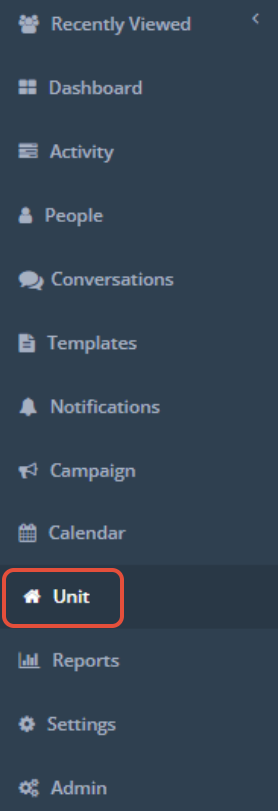
Step 2: Navigate to the Unit you would like to mark as Active or Inactive.
Step 3: To the far right of the Unit, click the blue gear icon and click Mark Inactive or Mark Active.


Was this article helpful?
That’s Great!
Thank you for your feedback
Sorry! We couldn't be helpful
Thank you for your feedback
Feedback sent
We appreciate your effort and will try to fix the article