Overview
Services allow you to track short or long term stays in addition to or outside of Housing Contracts. Although they are often medical related, services can be used for a variety options offered by your community. Some examples include transitional levels of care, respite stays, rehabilitation, and even gym memberships.
Note: If services are missing from your CRM, please reach out to your admin.
Adding/Editing Services
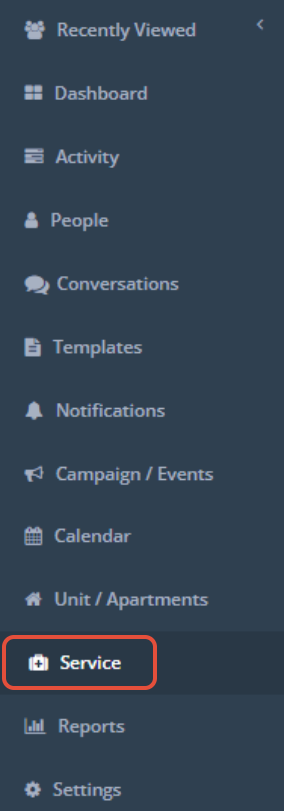
Services will display as a new item on the left hand menu. This is where you will add, edit, and view services.
Add a Service
Step 1: Click Service on the left hand bar
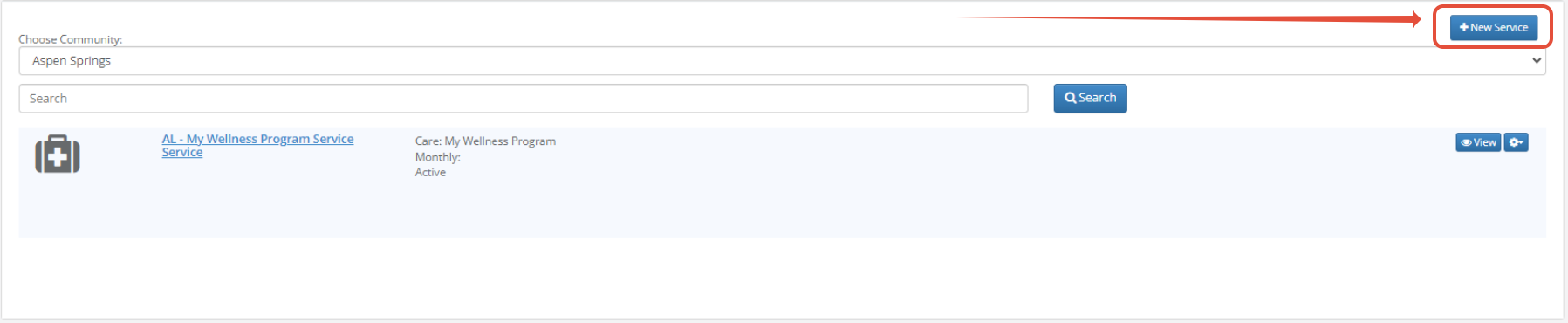
Step 2: In the upper right of the page, click the blue New Service button.
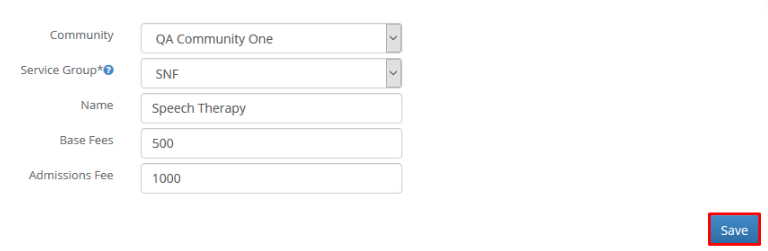
Step 3: Choose a Community, Service Group, enter a Name, and Base Fees and Admissions Fee if needed. Click Save.
Edit a Service
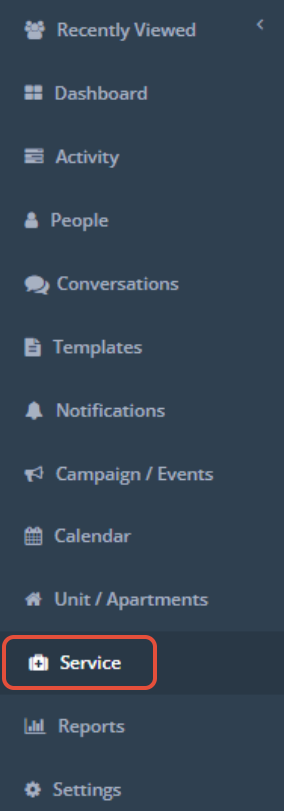
Step 1: Click Service on the left hand bar.
Step 2: From the list of available services, click the small blue gear icon to the right of the service you would like to edit, and click Edit.

Step 3: Update the service as needed then click Save.
Was this article helpful?
That’s Great!
Thank you for your feedback
Sorry! We couldn't be helpful
Thank you for your feedback
Feedback sent
We appreciate your effort and will try to fix the article