Overview
In this article, we will review how to add and edit notes. Notes allow you to add detail to an individual and can help keep your team up to date about next steps.
Add a note
Step 1: Click Notes along the top of an individual's profile.
 Step 2: Click into the notes text field and enter your desired text. Once finished, click Add.
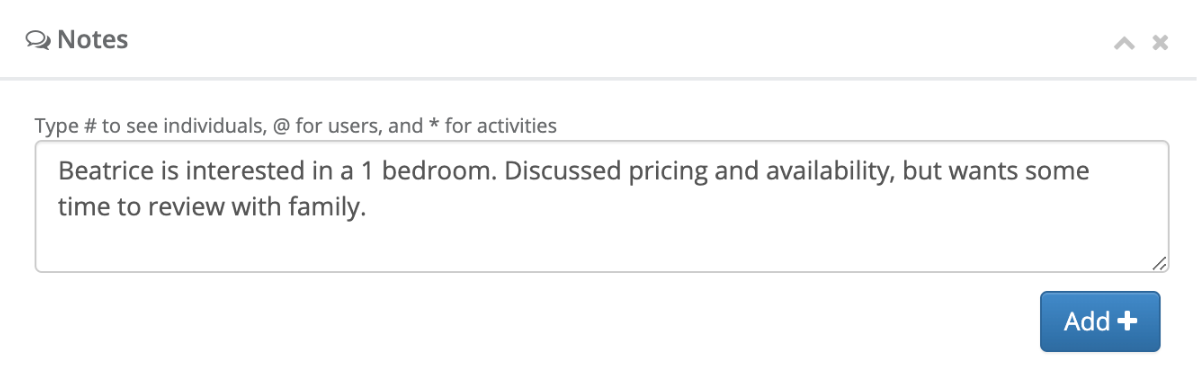
Step 3: Your note will then be added with the date and time the note was created.

Edit a note
Step 1: Click the Edit button below the note you would like to edit.

Step 2: Update the note text with your desired change. Once finished, click Save.

Was this article helpful?
That’s Great!
Thank you for your feedback
Sorry! We couldn't be helpful
Thank you for your feedback
Feedback sent
We appreciate your effort and will try to fix the article