Overview
In this article, we will review how to export a user list.
Exporting User List
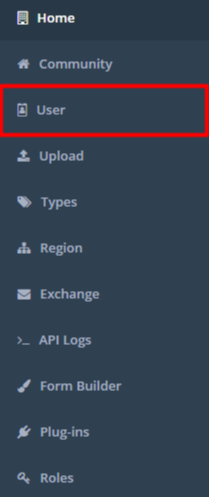
Step 1: Navigate to the Admin Section and select user
 Step 2: This brings you to the User List where you can view users by searching or filtering
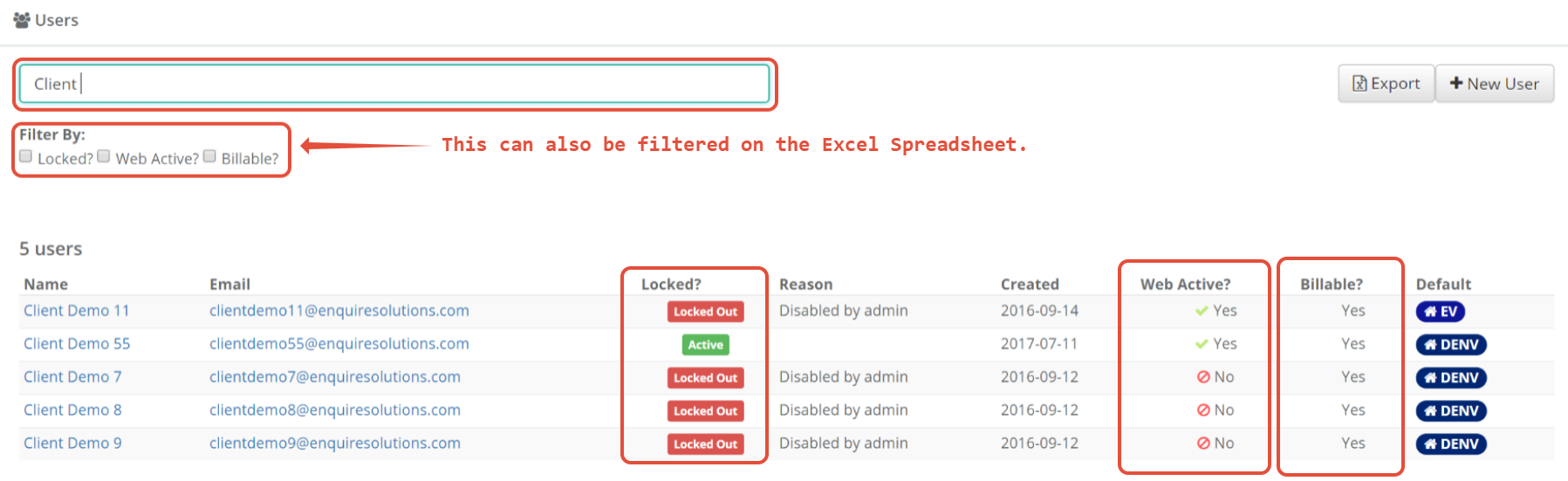
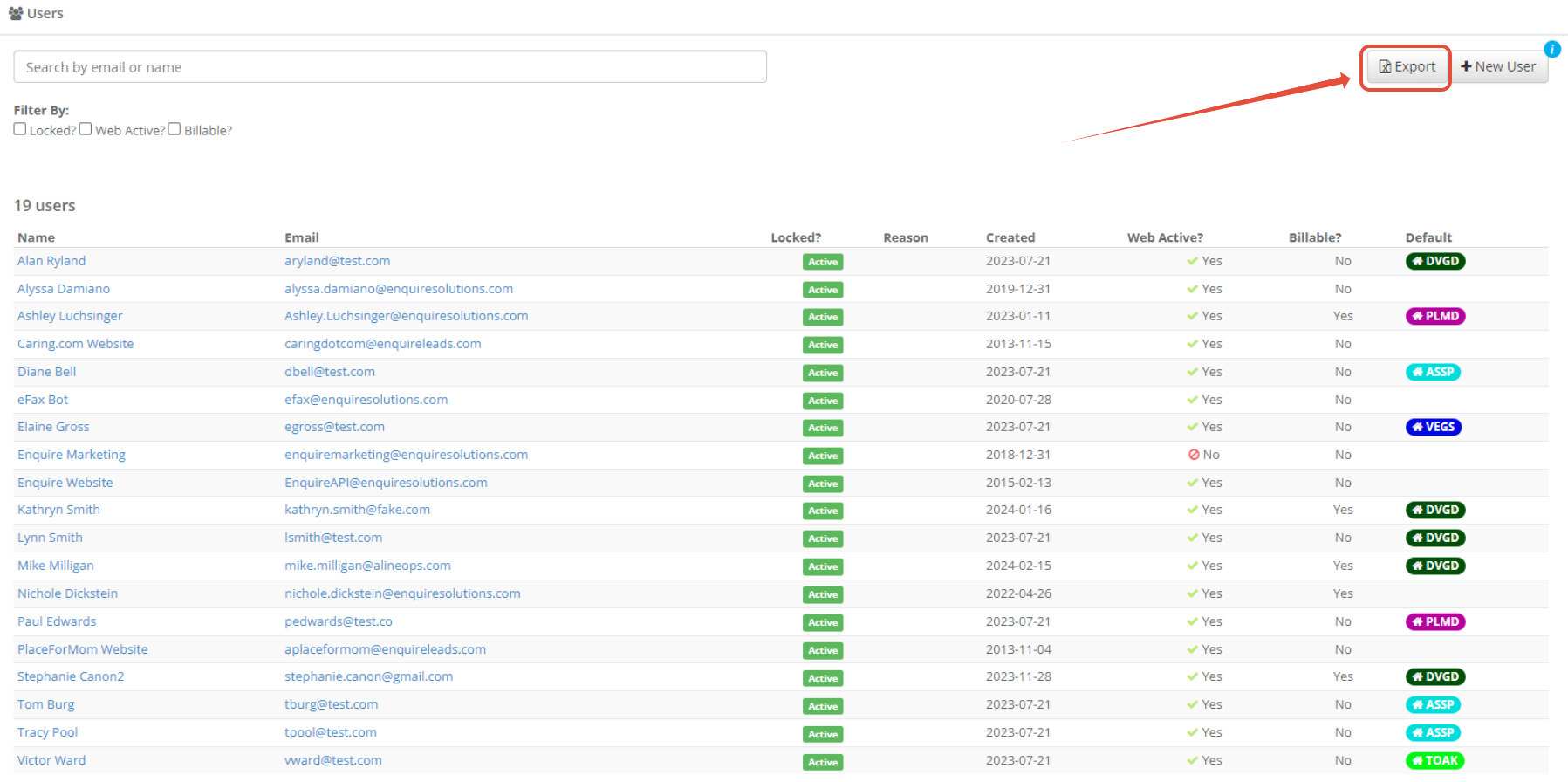
Step 3: Click the export button once ready to download the Excel sheet to view the users. Please note that additional filtering can be done on the Excel Spreadsheet.
Was this article helpful?
That’s Great!
Thank you for your feedback
Sorry! We couldn't be helpful
Thank you for your feedback
Feedback sent
We appreciate your effort and will try to fix the article