Overview
In this article, we will review exporting an advanced search or saved list.
Exporting a Saved List or Advanced Search
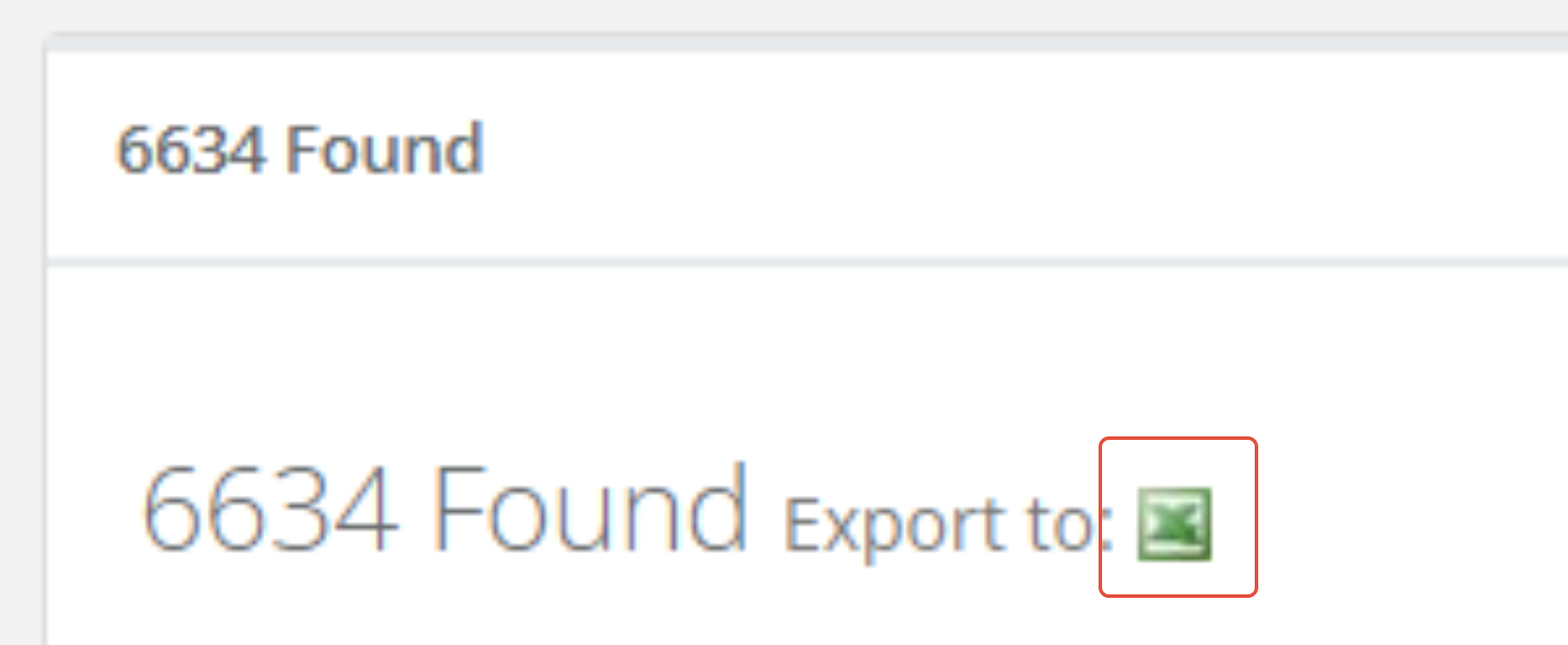
Step 1: Once you have created and saved the list you would like to export or have generated a search, click the blue Export button at the top of the Advanced Search page, or the small Excel button Next to the number found.

Or
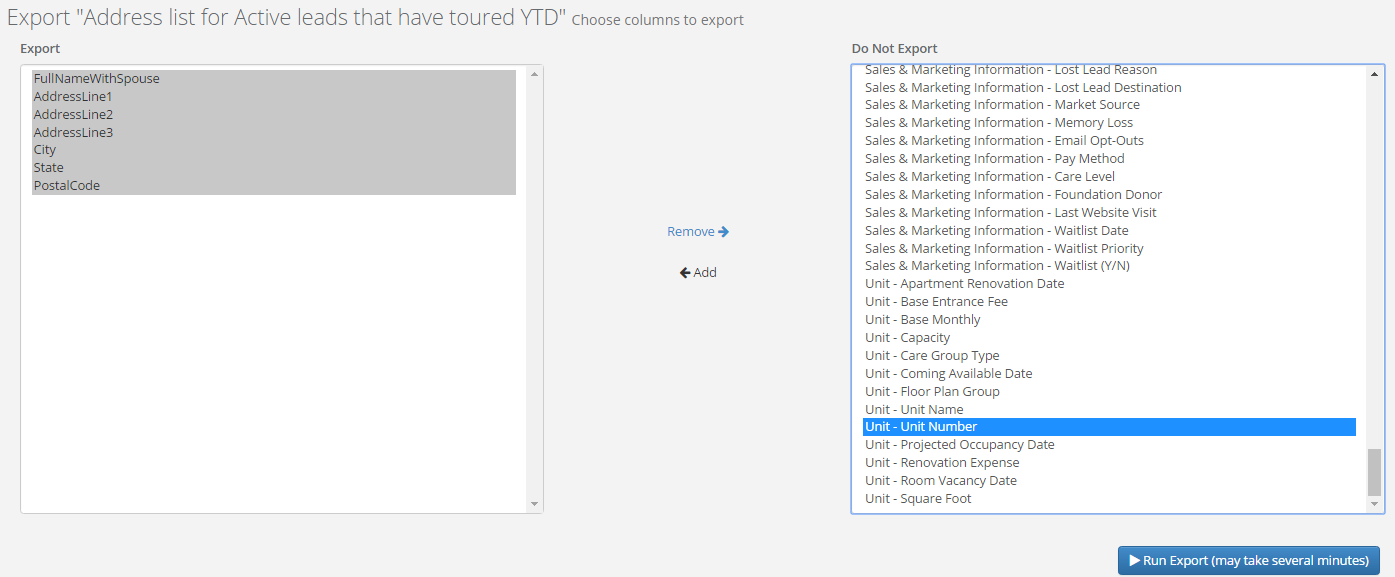
Step 2: You will be given a list of columns to export into Excel. Select the columns from the box on the right and add to the box on the left. Once you have the information for your Excel report in the left box, select Run Export.
Was this article helpful?
That’s Great!
Thank you for your feedback
Sorry! We couldn't be helpful
Thank you for your feedback
Feedback sent
We appreciate your effort and will try to fix the article