Overview
In this article, we will review how to convert a prospect to a resident.
Convert a Prospect to a Resident
The sale stage will need to be followed per your community guidelines before converting a prospect to a resident. If you have any questions, please contact your system admins.
Step 1: Navigate to the Prospect you would like to convert to a Resident.
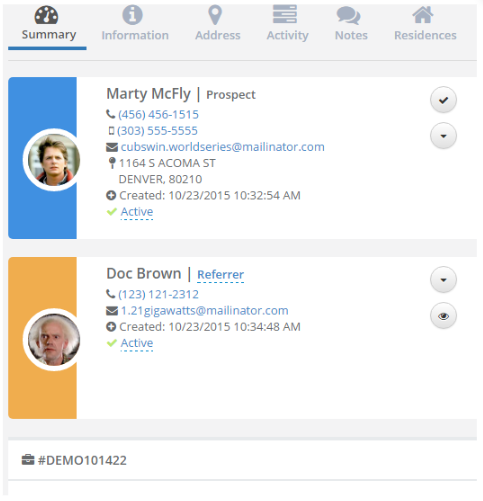
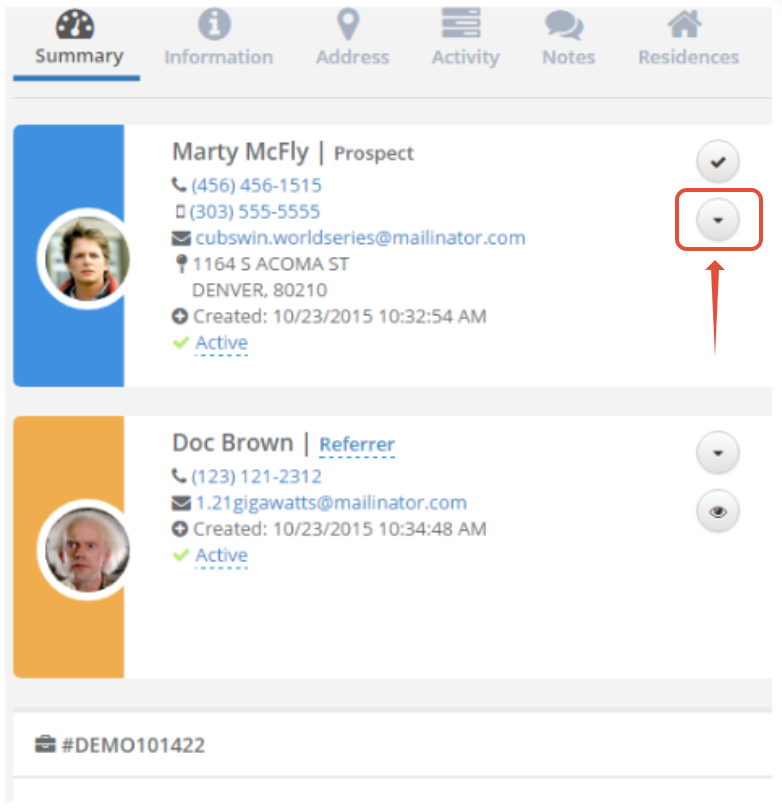
Step 2: Click on the down arrow on the header card
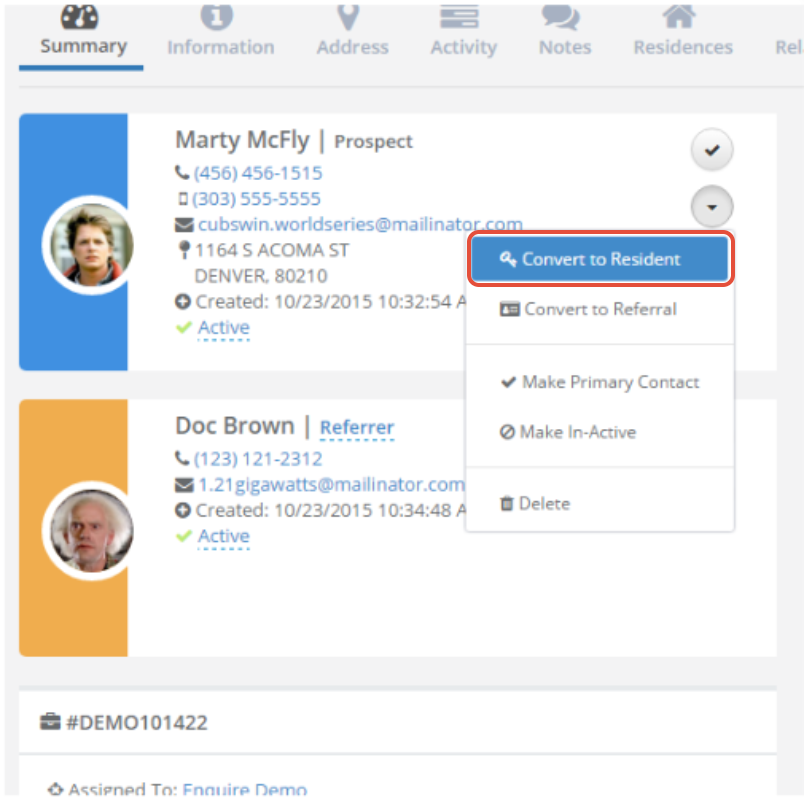
 Step 3: Click Convert to Resident on the drop down list
 Step 4: Prospect will now become a Resident
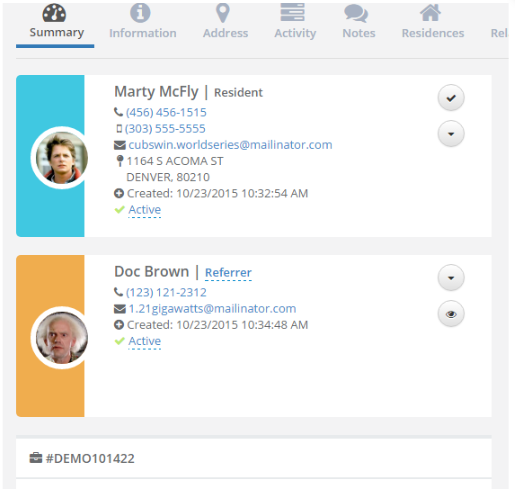
Note: When adding a housing contract, a prospect will automatically turn into a resident.
Was this article helpful?
That’s Great!
Thank you for your feedback
Sorry! We couldn't be helpful
Thank you for your feedback
Feedback sent
We appreciate your effort and will try to fix the article