Overview
Pre-Leads is a profile type designed to store your Marketing Qualified Leads (MQL) who have not yet been accepted as a Sales Qualified Lead (SQL).
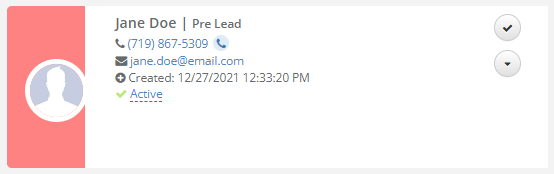 Pre-Leads are indicated by the pink left border and Pre Lead label to the right of the individual's name.
Accept a Pre-Lead
Accept a Pre-Lead to convert the individual into a Prospect and begin your sale process.
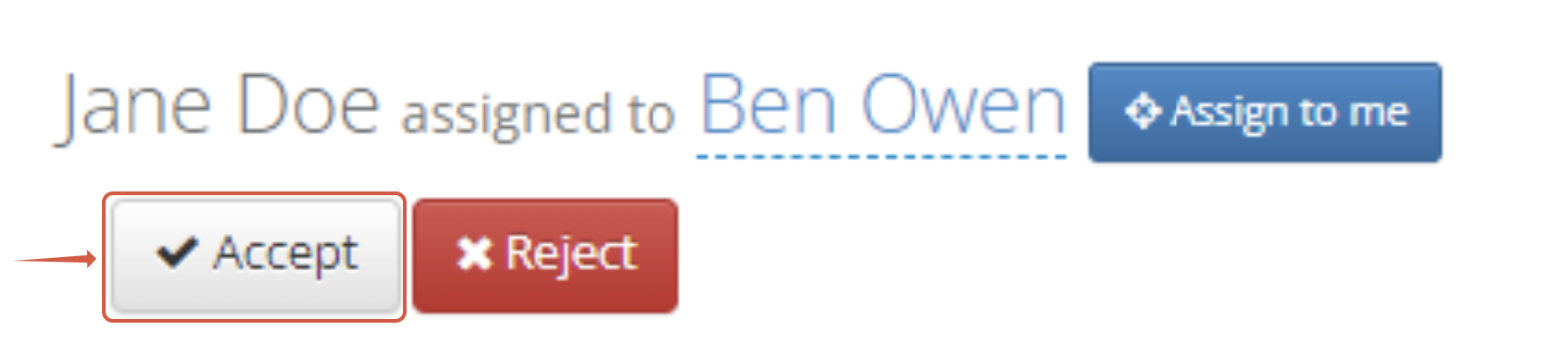
Step 1: Click the grey Accept button at the top of the profile.
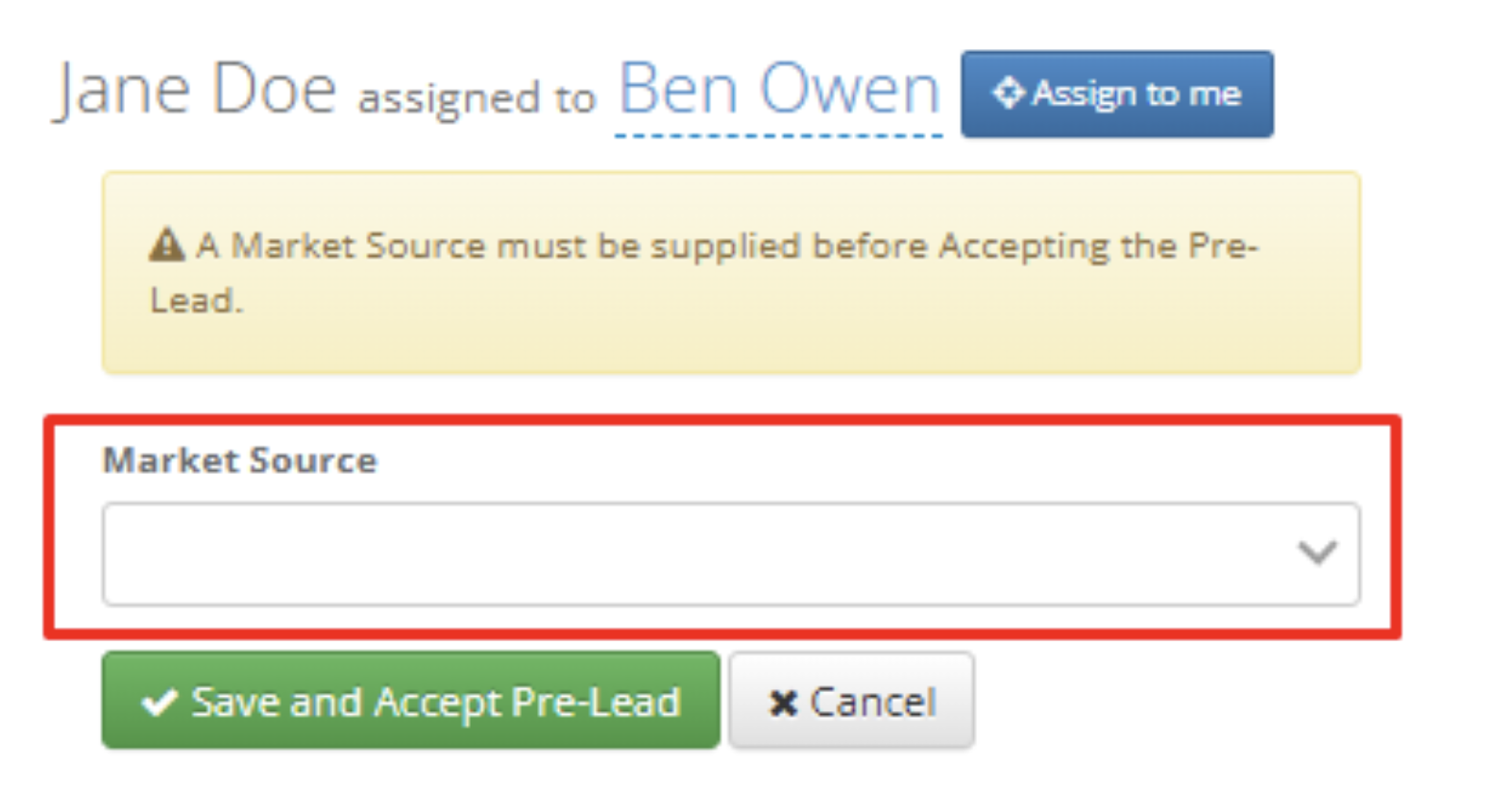
 Note: When a Pre-Lead doesn’t have a Market Source applied, the system will prompt the user to apply one of the drop-down options. If there is a Market Source listed, this source will automatically carry over to the Prospect. Click the green Save button to accept the Pre-Lead. Your Pre-Lead is now converted to a Prospect.
Your Pre-Lead is now converted to a Prospect. The Assigned User will be notified and an Inquiry Activity will be created on the Prospect profile.
Reject a Pre-Lead
Reject a Pre-Lead if no further action needs to be taken on the individual.
Step 1: Click the red Reject button at the top of the profile.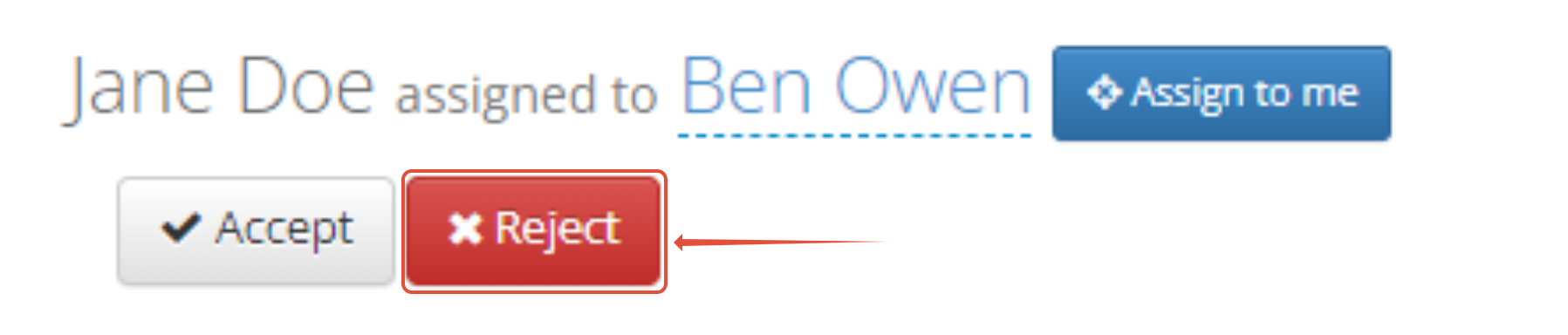
Note: The individual will be made inactive. This individual will still be accessible and you will have the option to Accept the Pre-Lead in the future
Pre-Leads FAQ
Why don't I see Pre-Leads in my database?
- Pre-Leads are currently an optional Individual Type that some companies choose to use, while others may not. Adding Pre-Leads is an option that is available by request. If you would like to use Pre-Leads in your database, send an email to your Customer Success Manager or our Aline Support team at enquire.support@alineops.com.
- Pre-Leads that you have rejected will still exist in your system, but will be Inactive. You will still be able to search for, and accept these rejected Pre-Leads in the future.
I see Pre-Leads, but how do I add them to my database?
- Pre-Leads can be added using our Upload feature or through integrations using the API, such as webform submissions.
Can I track Pre-Leads in reports?
- The Pre-Leads Insights report is available within the standard report list. Additionally, Pre-Leads can be found on the Lead Engagement tab within the Activity and People Analytics report.
How can I find my Pre-Leads?
- There's several other ways you can keep track of your Pre-Leads. First, Pre-Leads can be targeted by clicking on the People icon from the left-hand menu.
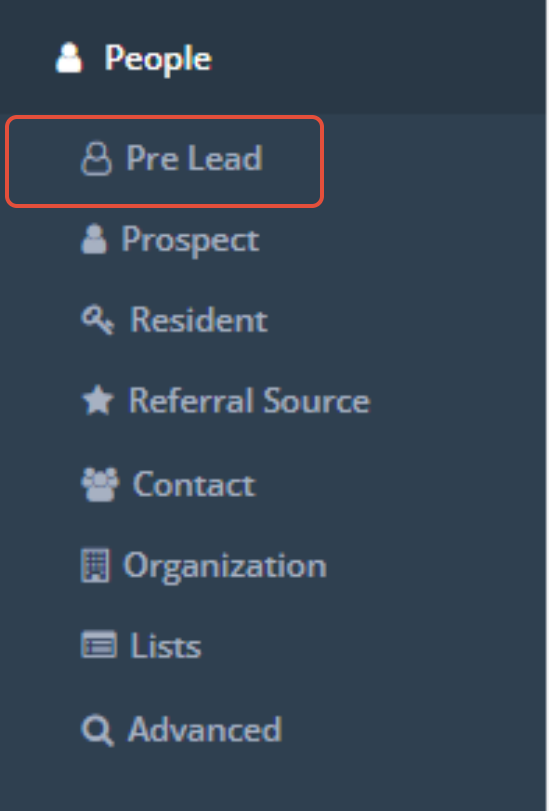
- Pre-Leads are also part of the Advanced Search, and can be saved to Lists or Campaigns. To find Pre-Leads via the Advanced Search, you can select the following criteria:

- All users will have access to Pre-Leads.
Was this article helpful?
That’s Great!
Thank you for your feedback
Sorry! We couldn't be helpful
Thank you for your feedback
Feedback sent
We appreciate your effort and will try to fix the article