Overview
In this article, we will review how to reassign leads, activities, and relationships from one user to another user. This is a great tool for if a user is no longer at the community and the leads need to be reassigned to a new user.
Reassign from one User to Another
Notes:
- If a User has access to multiple communities and only wanting to assign certain individuals or activities from a certain community, please use Complex Reassign.
- Both of the users must be assigned to the same communities. Reassigning Activities will send all due and overdue activities, for every community the user has access to, over to the new user
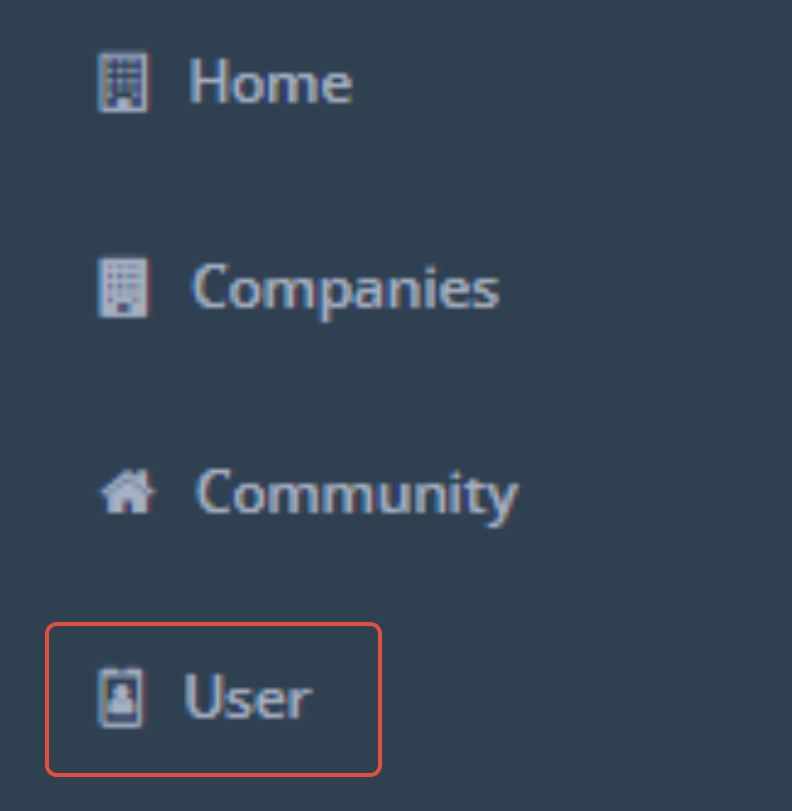
Step 1: Navigate to the admin section and select user on the left hand menu.
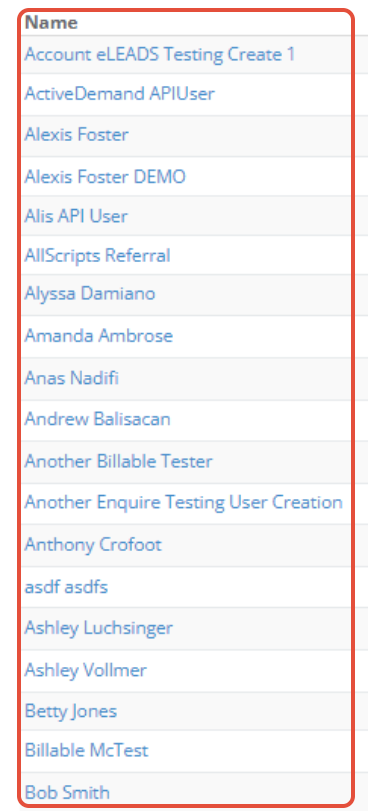
Step 2: Select the user you would like to reassign
Step 3: Once you access the user, click on the "Reassign" button on the top right of their profile.

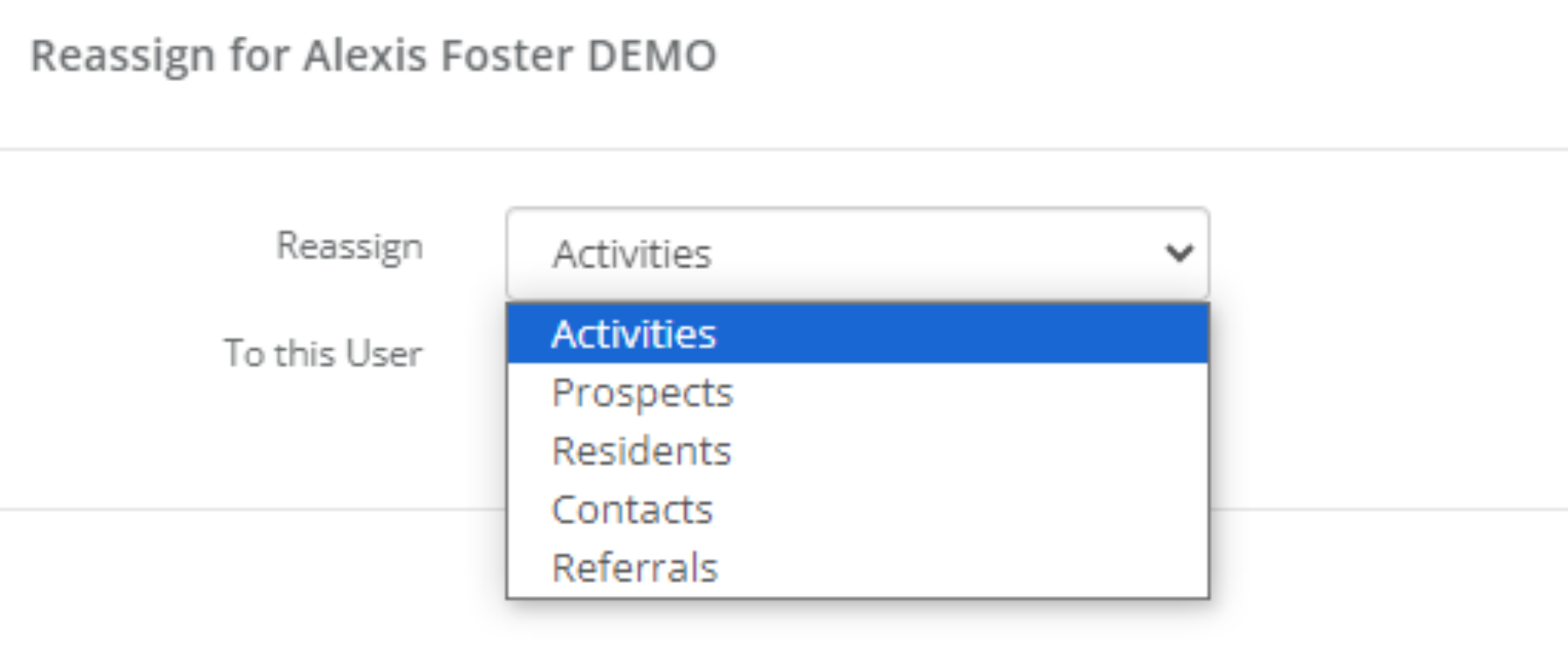
Step 4: A new window will appear with different options. You can select the options by clicking the drop down arrow. 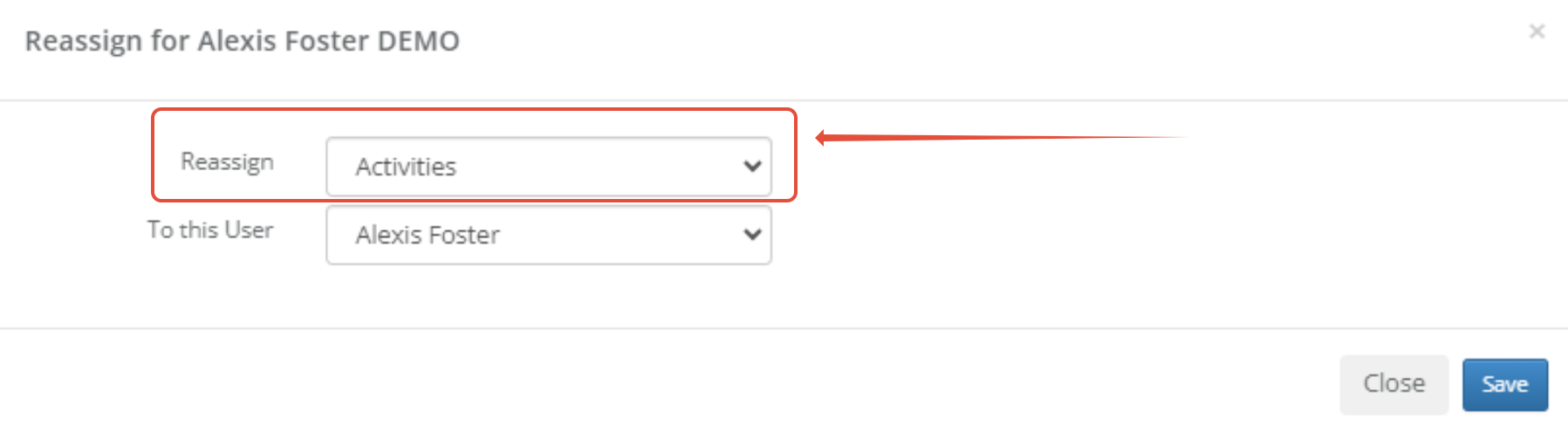
Step 5: After you select what category you want to reassign, you can choose the user you went to send the information to, then click save and your option will be sent to the new user.
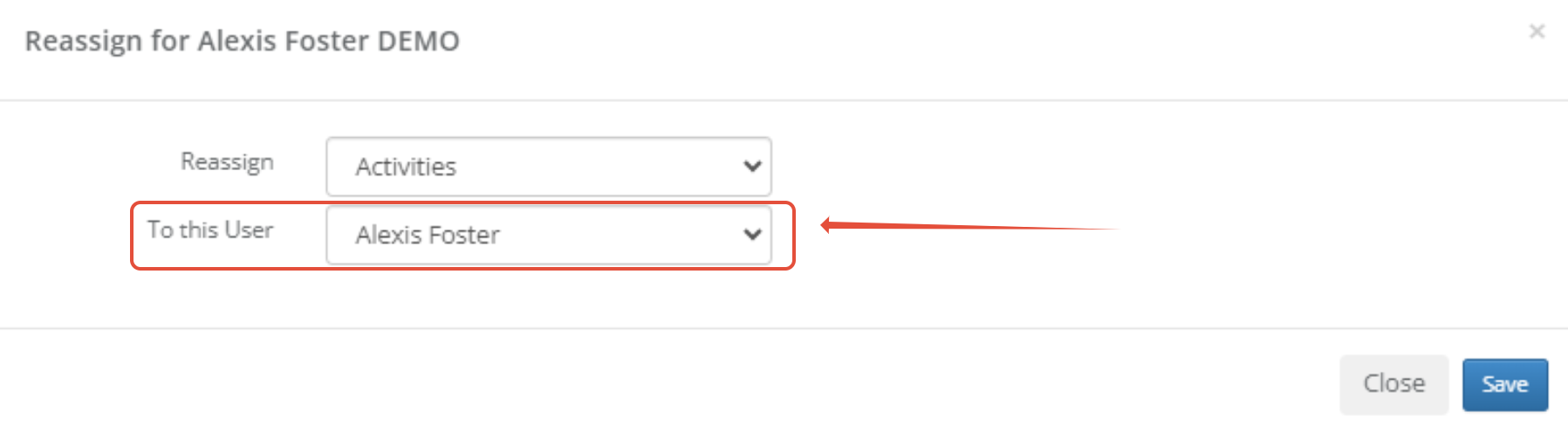
Note: As Best Practice, please reassign Activities, Prospects, and Contacts. If truly desired, you can reassign any Residents and Referral Sources as well.
Step 6 (Optional): Repeat steps for each reassign type:
Was this article helpful?
That’s Great!
Thank you for your feedback
Sorry! We couldn't be helpful
Thank you for your feedback
Feedback sent
We appreciate your effort and will try to fix the article