Overview
Call Recording & Transcription is an optional add-on to Click-to-Call. When enabled, Aline automatically records every call placed through Click-to-Call. It then generates a written transcript and a short AI-generated summary, and attaches both to the call's activity record.
This feature requires Click-to-Call to already be set up. It can only be turned on by Aline staff, not something you can enable yourself. Contact Aline Support if you'd like Call Recording & Transcription added to your community.
This applies only to calls placed through Click-to-Call. Aline doesn't record or transcribe text conversations.
Aline doesn't automatically tell the individual you're calling that the call is being recorded. Let them know a call may be recorded before you begin, per your community's own policies and any applicable local requirements.
This video also covers Click-to-Call and Click-to-Text.
How It Works
- Once Call Recording & Transcription is enabled for your community, Aline automatically records every call placed through Click-to-Call, capturing both sides of the conversation. Recording starts as soon as the call connects.
- You can stop the recording at any point during the call using the Cancel Recording button in the call panel.
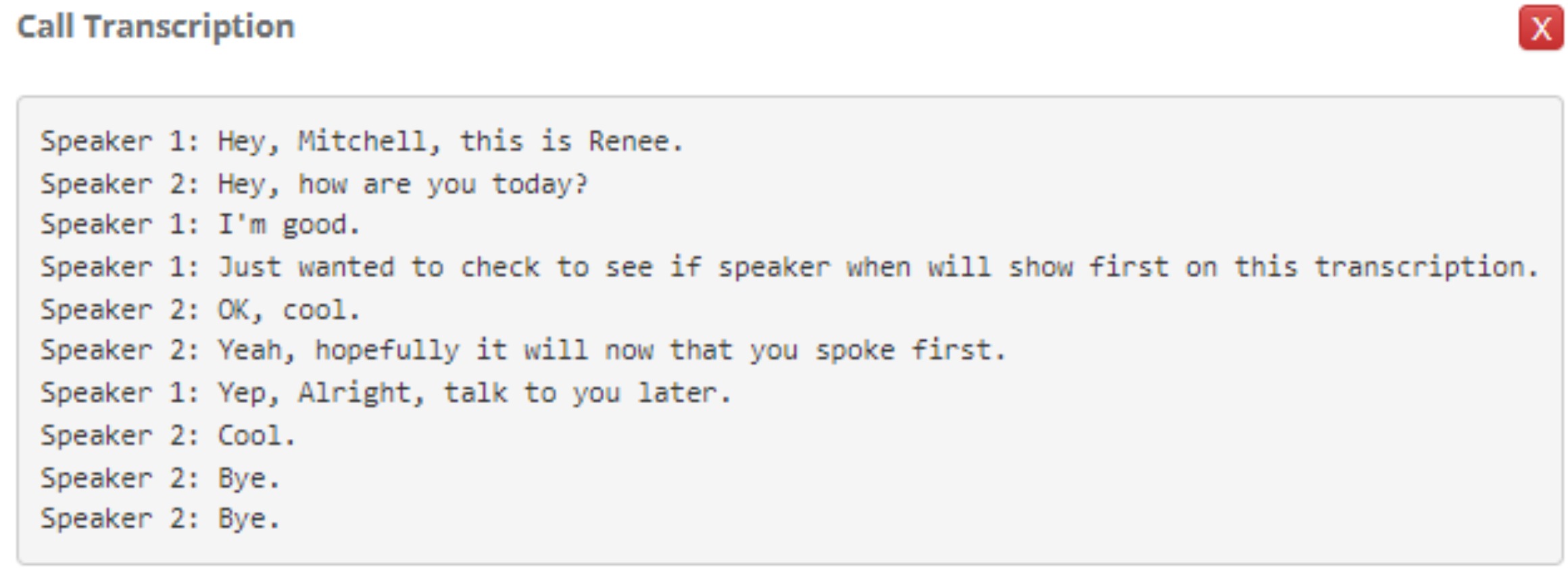
- After the call ends, Aline saves the recording, then automatically generates a text transcript and a short summary. You'll get a CRM notification once the recording is ready.
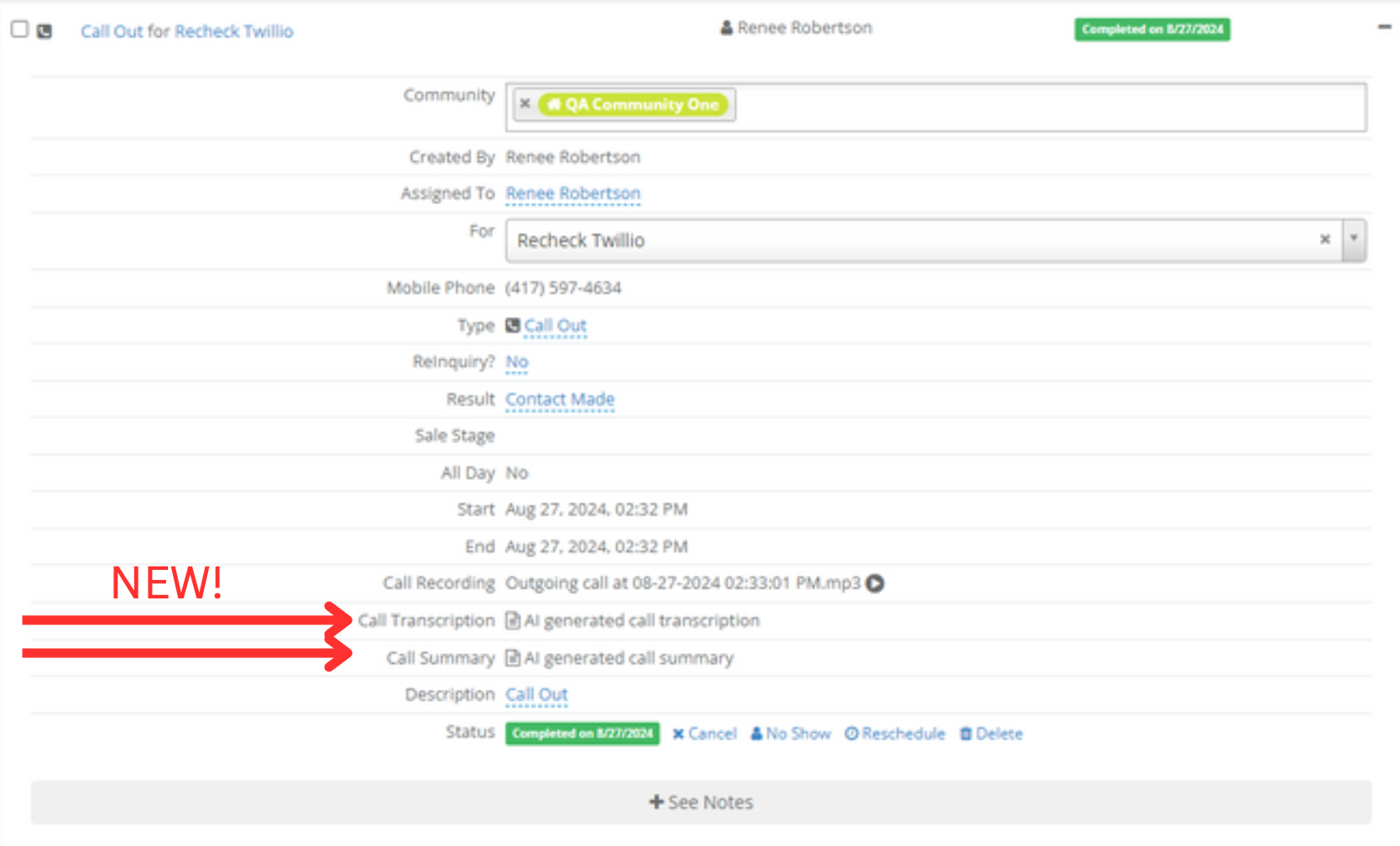
- The recording, transcript, and summary all attach to the call's activity record on the individual's profile.
The notification lets you know the recording is available, not that the transcript and summary are finished yet. If you open the activity right away and don't see them, wait a few minutes and refresh the page.
Accessing Recordings, Transcripts, and Summaries
Open the Call Out activity on the individual's profile. You'll find three items attached to it:
| Item | What it is |
|---|---|
| Recording | The full audio of the call |
| Transcript | A written version of the conversation |
| Summary | A short AI-generated summary of the call |

FAQ
Do I need to do anything to have a call recorded?
No. Once it's enabled, Aline automatically records every Click-to-Call call, and you can cancel a recording mid-call if needed. Only Aline staff can turn the feature on. Contact Aline Support if you'd like it added to your community.
Does the individual get notified that the call is being recorded?
No, Aline doesn't notify them automatically. Let them know a call may be recorded before you begin.
Why don't I see a transcript or summary yet?
The recording notification arrives as soon as the audio is available, which is before the transcript and summary are ready. Give it a few minutes and refresh the activity.
Can every call be recorded, or only some?
Only calls placed through Click-to-Call are eligible. If a call doesn't connect on both ends, there's no recording.
Was this article helpful?
That’s Great!
Thank you for your feedback
Sorry! We couldn't be helpful
Thank you for your feedback
Feedback sent
We appreciate your effort and will try to fix the article