Overview
The August 2026 release is focused on targeted enhancements across activities, goals, dashboards, and profile management in Aline CRM — tightening up workflows and giving your teams more visibility and flexibility in their day-to-day. Alongside these updates, we've resolved 29 production issues to keep your experience running smoothly.
Keep reading to learn more about what’s in the August 2026 release!
Activities & Calendar
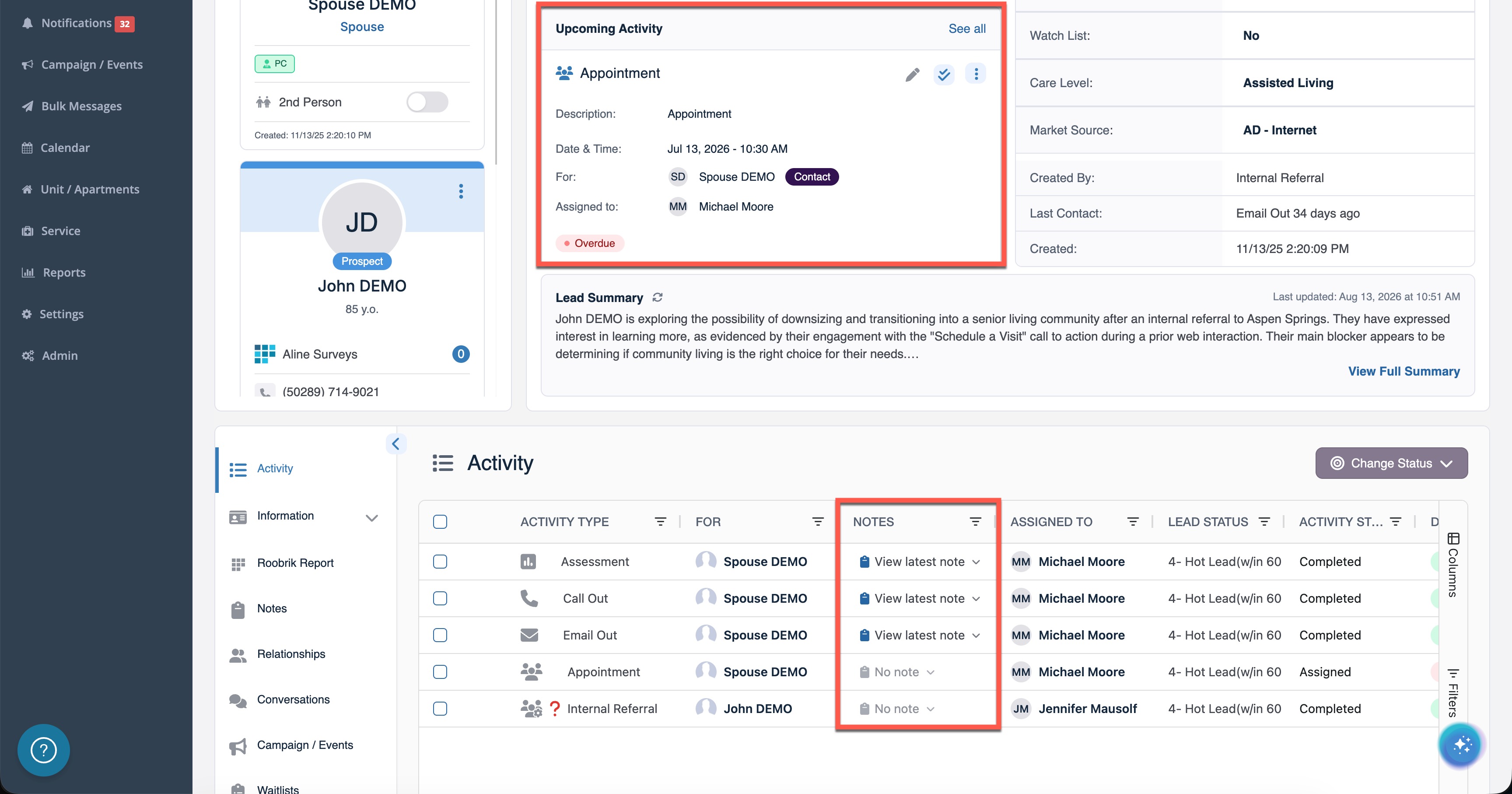
- Activity Descriptions on Prospect Profile: Activity descriptions now surface in the top section of a prospect profile, so counselors can see context at a glance.
- Expanded Notes on Activity Page: A notes column is now visible by default alongside activity status, keeping context in one view without needing to expand each row.
- Calendar Retains Community Context: Navigating to the calendar from the widget dashboard no longer resets the selected community, keeping counselors in the right context.
- Assign Activities to Team Members: Scheduled activities can now be assigned to other team members directly from the calendar via an Assigned To dropdown.
- Non-Image Attachments Stored in Documents: Files can now be attached when logging an activity from the profile and are automatically stored in the Documents section of the profile.
Goals & Performance
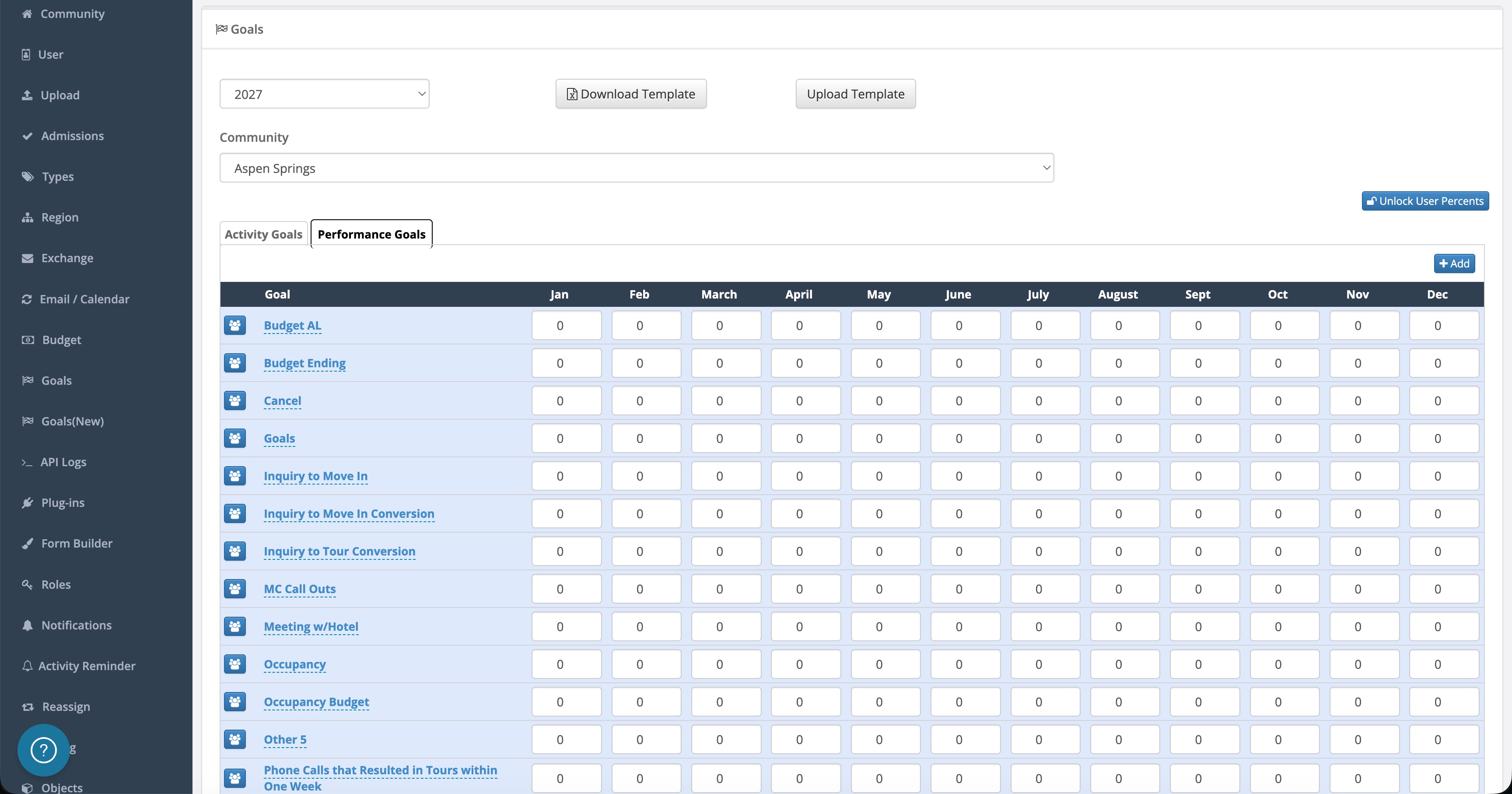
- Advancement Goal Tracking for Prospect-Centered Selling®: A new goal type for tracking advancement activity gives managers a dedicated metric to measure how sales counselors are progressing prospects through the funnel.
- Worked Leads Count: Worked Leads is now deduplicated by unique lead rather than activity count, so the metric reflects true counselor reach instead of inflated numbers driven by multiple touches.
- Flexible Goal Configuration: The requirement for user goals to exactly match sub-goal values has been removed, giving managers more flexibility when structuring individual and team goal targets.
Dashboard & Widgets
- Dashboard Builder - Now in Labs!: Admins can enable Dashboard Builder as a company option, allowing teams to customize their dashboard layout — choosing, arranging, and configuring widgets to match how their community works.
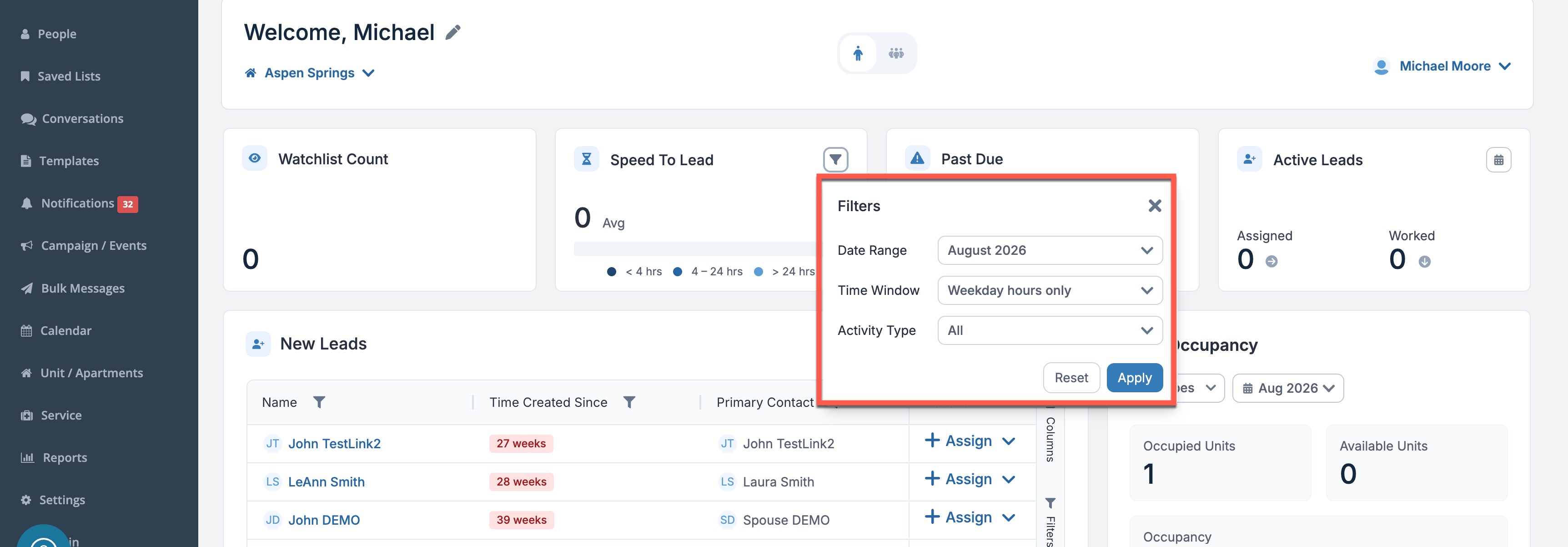
- Speed to Lead Widget Filters: The Speed to Lead widget now supports filtering so teams can focus on specific timeframes, communities, or counselors and get to the numbers that matter most.
- Individual Type on Drill-Through Pages: Overdue and No Next Step drill-through views now include an Individual Type column, making it easier to segment and prioritize prospects by care category.
Profile & Contact Management
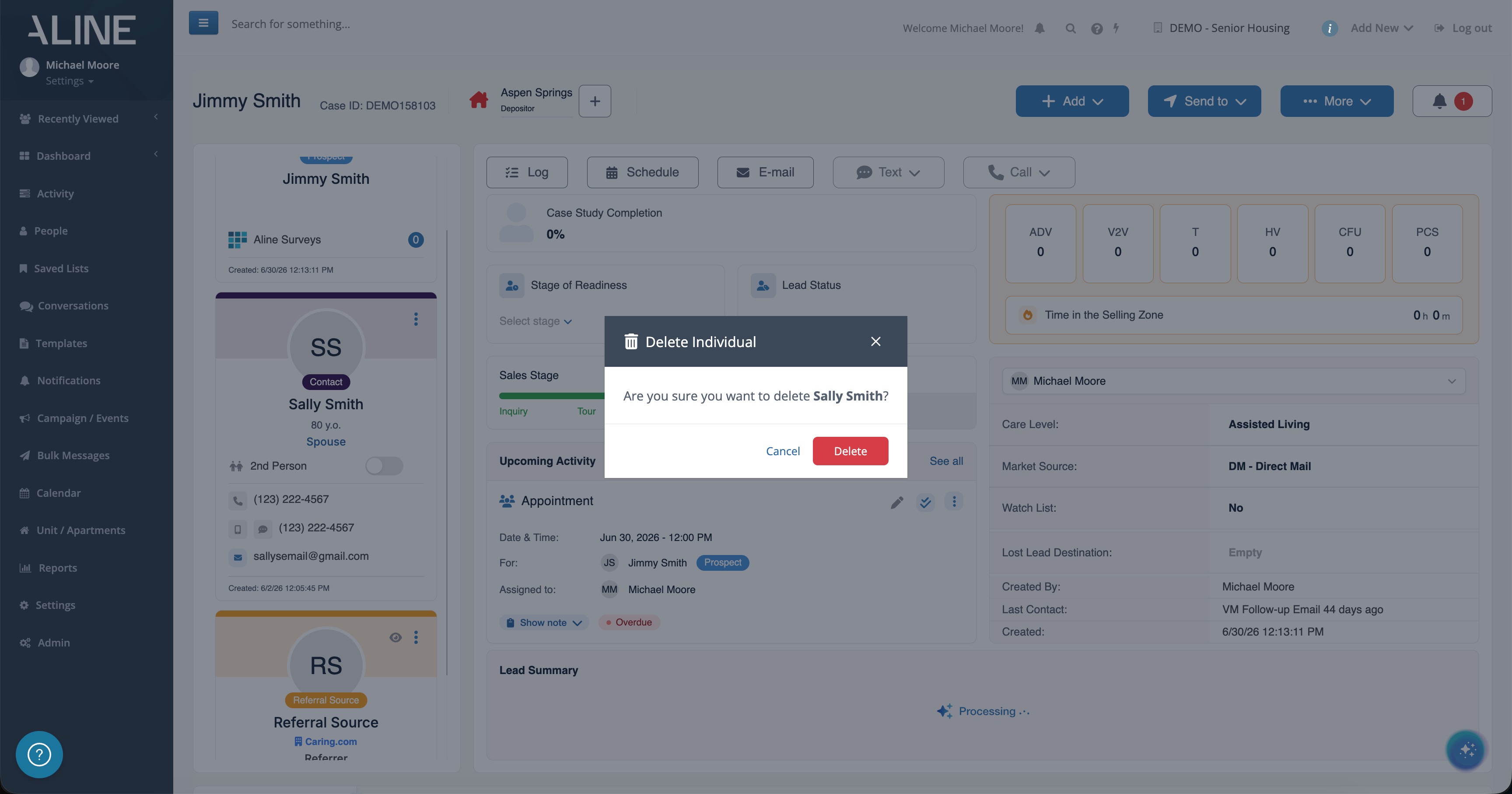
- Contact Deletion Warning: Users are now alerted before deleting a contact linked to multiple profiles, preventing accidental removal of shared contact records.
- Contracts Support All Individual Types: Housing and Service Contracts now support create and transfer workflows for all individual types, removing previous restrictions that prevented some care types from using these flows.
- Full Profile History with Pagination: Users now see a Load More option to access the complete history of any profile, no matter how large.
- Canadian Address Defaults: Province and Postal Code now default correctly on the add/edit module for Canadian companies, reducing manual correction on every address entry.
Prospect Communication
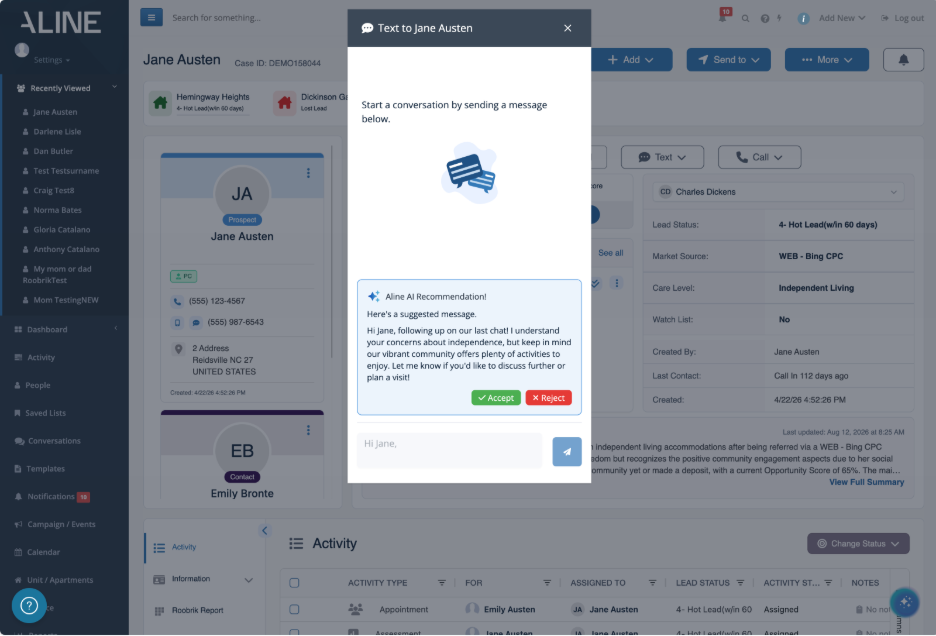
- AI-Generated Text Drafts: To have AI draft a text message, users can click "Draft a Message" in the text compose window, then review, edit, accept, or reject the draft before sending. This is available to companies with AI Essentials.
Was this article helpful?
That’s Great!
Thank you for your feedback
Sorry! We couldn't be helpful
Thank you for your feedback
Feedback sent
We appreciate your effort and will try to fix the article