After a form is filled out you can configure what is presented to the visitor who filled out the form.
Step 1: Open the form in the form editor
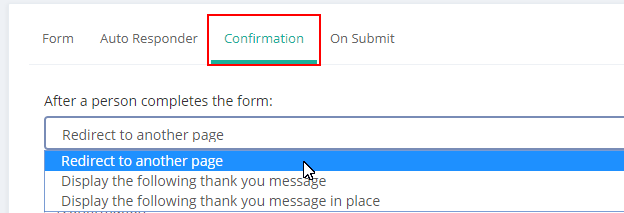
Step 2: Click on the 'confirmation' tab
You will have three options
- Redirect to another page
- Display the following thank you message
- Display the following thank you message in place
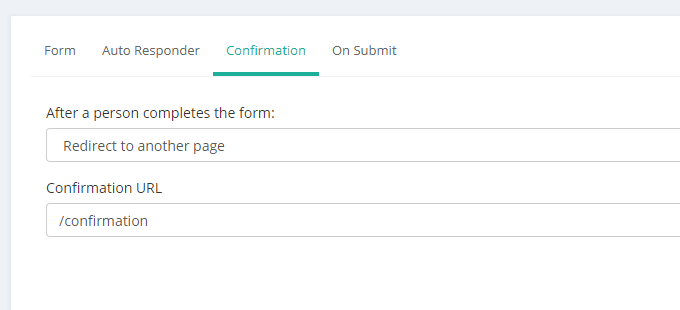
Redirect to another page: Place the URL in the text box, the page will redirect on submit:
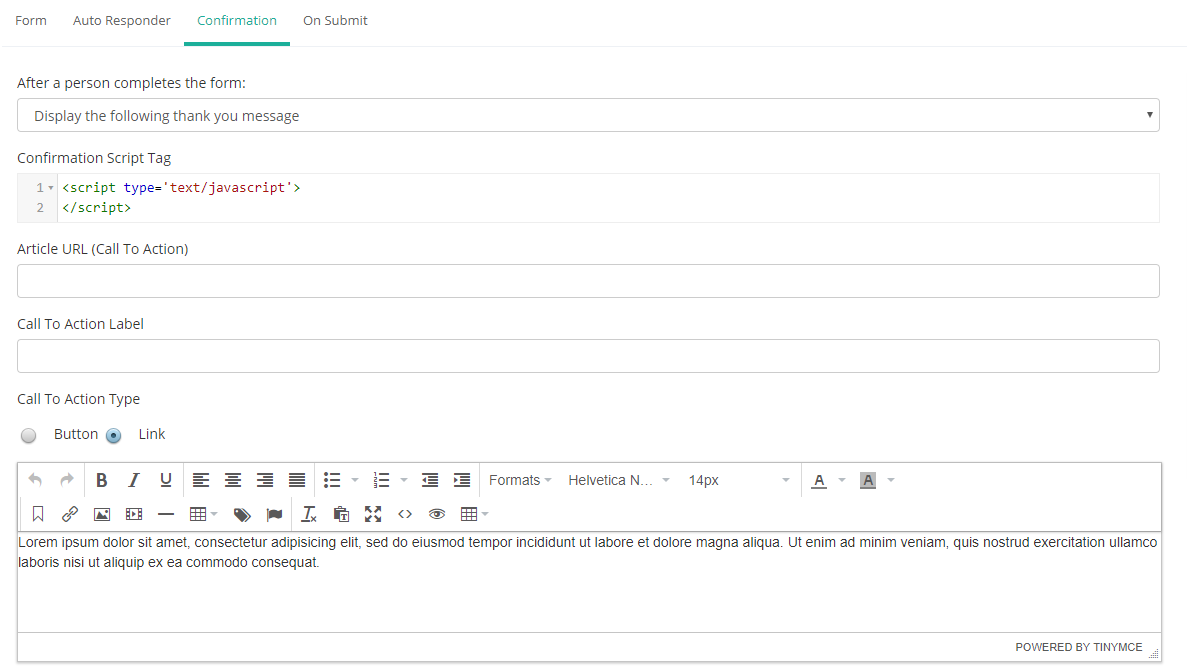
Display the following thank you message: This option will create a very basic landing page. You do not have a lot of control over the format, but the page is quick to build.
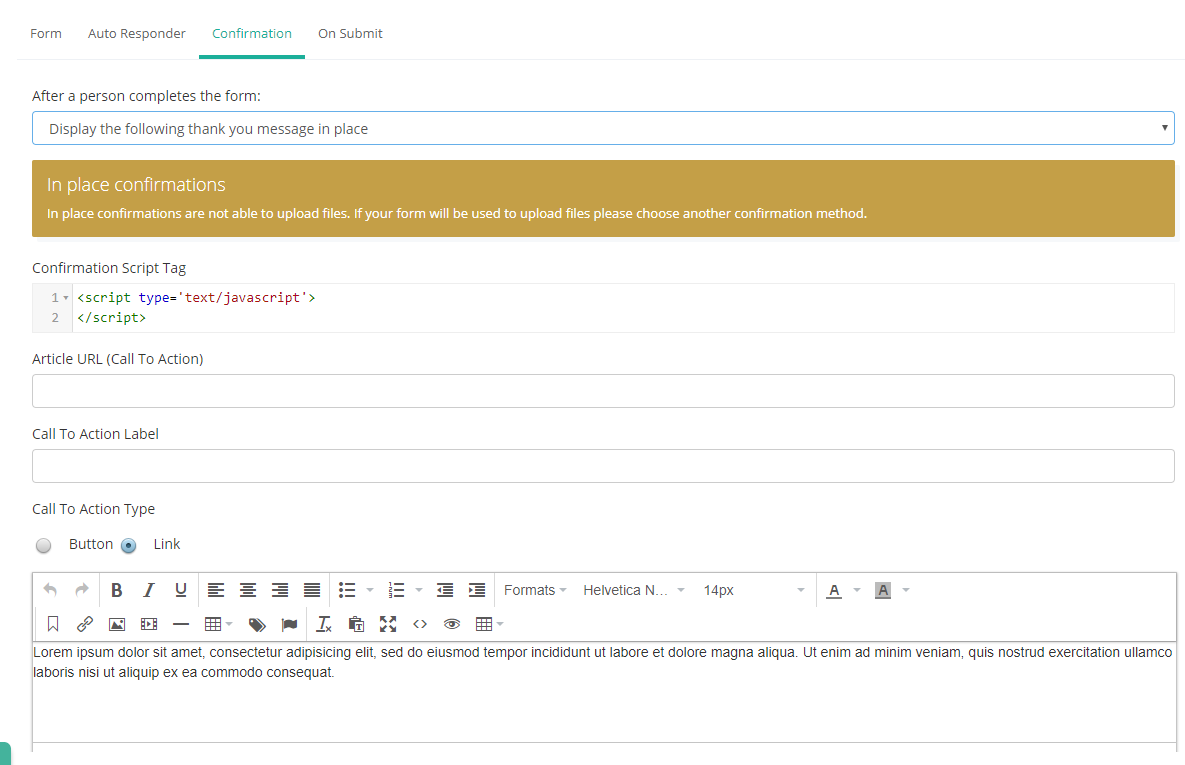
Display the following message in place: This option replaces the form with the message in the editor. Note, in place confirmations are not available if you are uploading files in the form.
Was this article helpful?
That’s Great!
Thank you for your feedback
Sorry! We couldn't be helpful
Thank you for your feedback
Feedback sent
We appreciate your effort and will try to fix the article