Another Means to Remove the Enquire MAP OAuthConnection to Google
Enquire MAP works well with Google, and here instructions to break the link between a Google account and Enquire MAP:
- Navigate to Administration then Account Settings then Account Setup tab Third Party Applications to remove the app connection. Click Save then Close
- Next log into the specific Google account Google Account
- Navigate to Security then Connected Apps & Sites
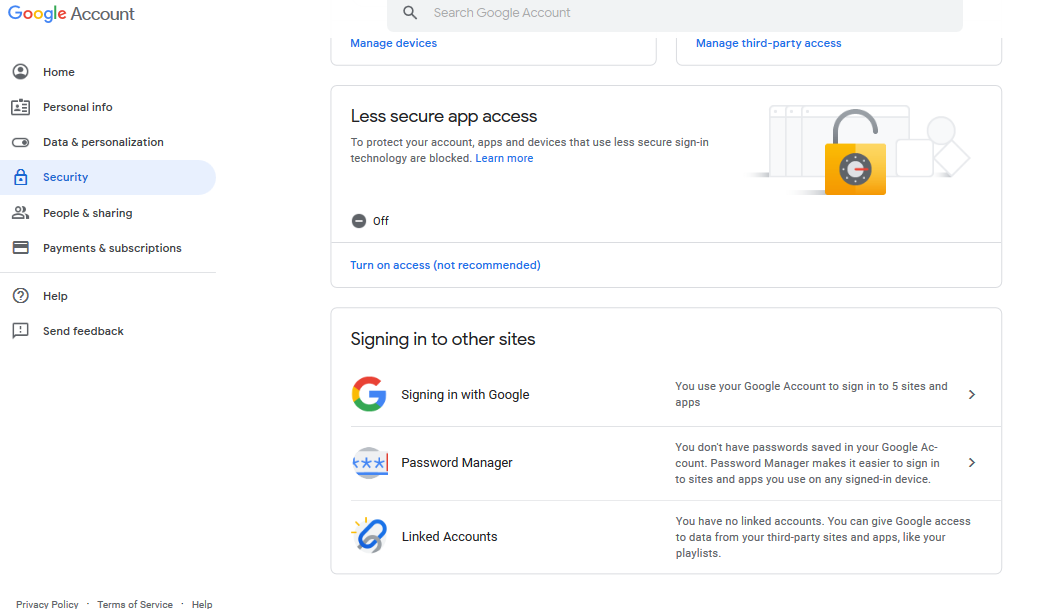
- Under Apps connected to your account, click Manage Apps. Click Enquire MAP. Click Remove
Was this article helpful?
That’s Great!
Thank you for your feedback
Sorry! We couldn't be helpful
Thank you for your feedback
Feedback sent
We appreciate your effort and will try to fix the article