Sending Lead Notifications to Other People then Sender
The lead notifications are typically distributed to everyone who is an employee of the community account and is on the Sales Notifications contact list.
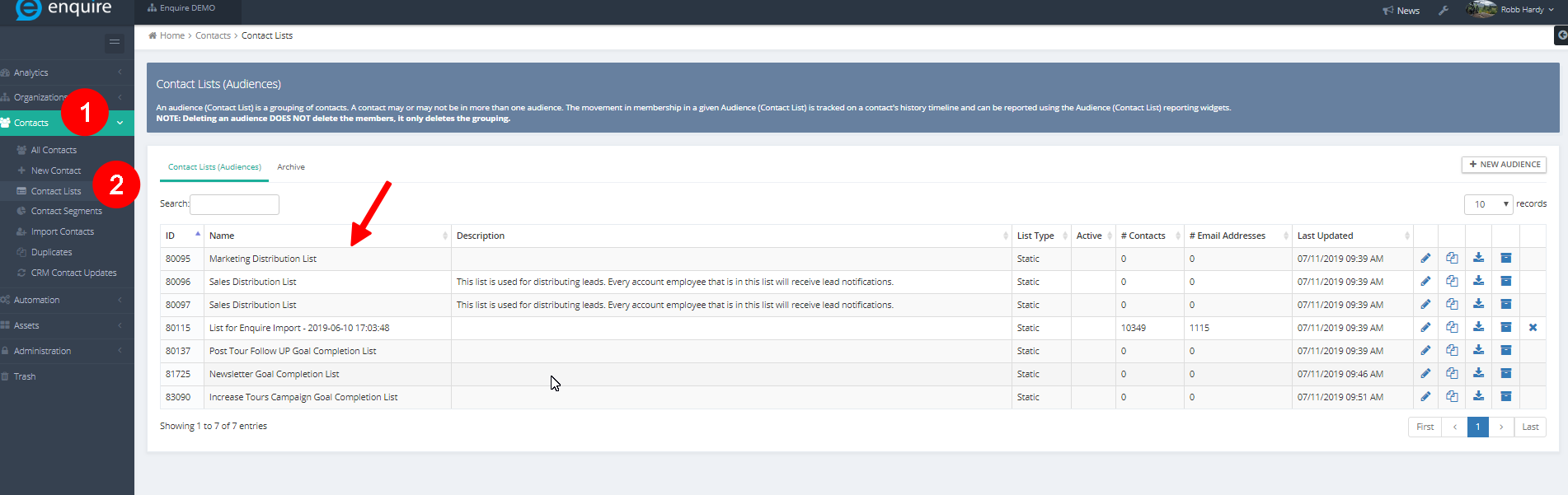
Step 1: Access Enquire MAP then navigate to Contacts then Contact Lists. Select the appropriate Sales Notifications list to add the employee to the list.
Please Note: only contacts who are employees will receive notifications. However, not everyone on the Sales Notifications contact list will receive a lead notification (non-employees of the account who are on the list will not get notifications.)
Was this article helpful?
That’s Great!
Thank you for your feedback
Sorry! We couldn't be helpful
Thank you for your feedback
Feedback sent
We appreciate your effort and will try to fix the article