How to Notify Sales People When a Form is Submitted
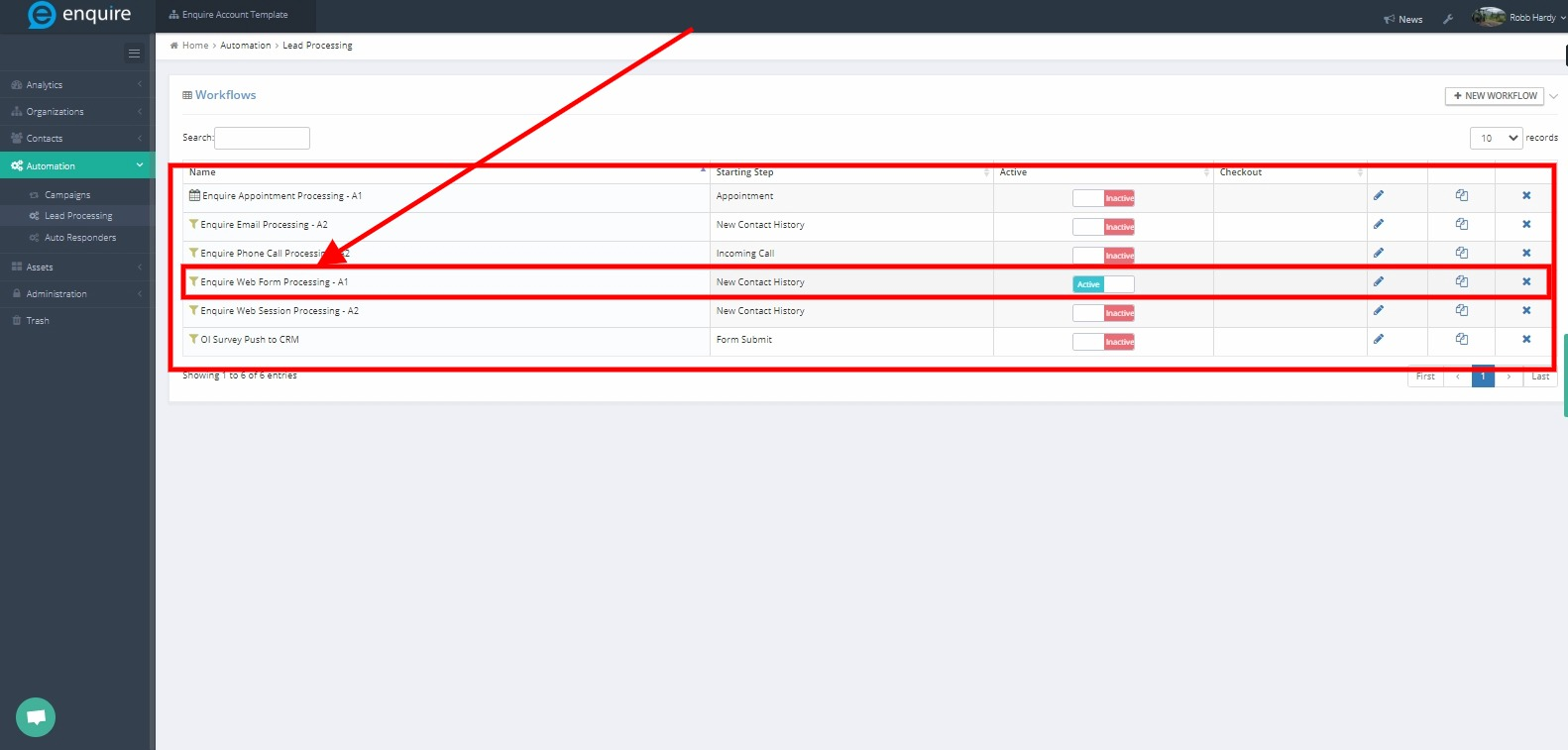
All internal communications regarding form submits, phone calls, etc. are all managed in the Lead Processing workflows. Navigate to Automation > Lead Processing > Workflows.
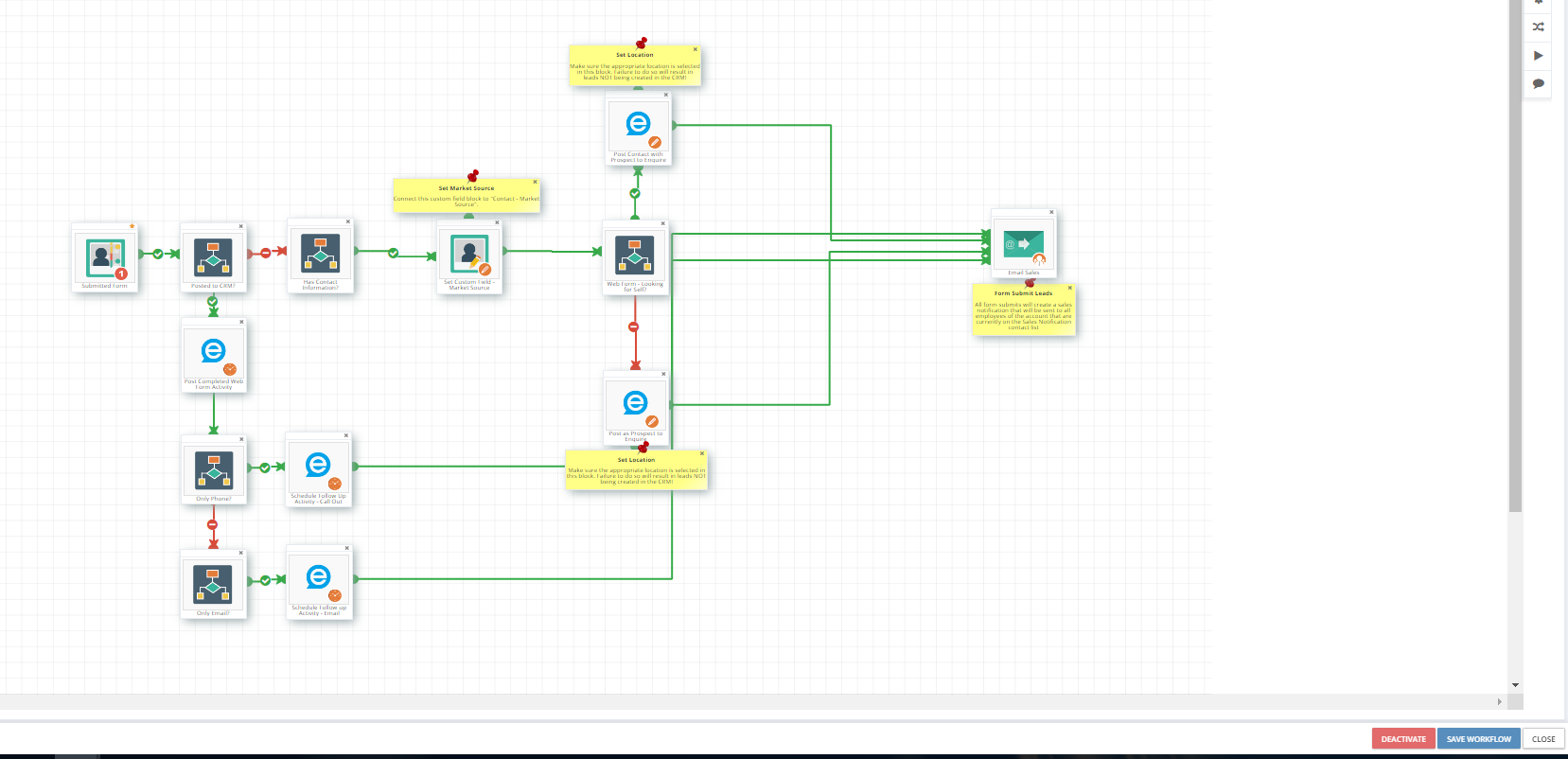
Enquire MAP Support typically set all clients up with the generic set of workflows, web forms and provide a basic set of custom fields. Please connect with Enquire Support on modification for what works best for community. All internal communications regarding form submits, phone calls, etc are all managed in the Lead Processing workflows
Step 1: Access Enquire MAP to navigate to Automation then Lead Processing
Step 2: Select Web Form Processing - A1 then click the edit icon to modify accordingly.
Please Note: The Sales Notification Workflow is only editable in the Corporate Marketer package. Control who gets the leads by adding employees of the accounts to the Sales Distribution contact list (Contacts-Contact Lists) is still there.
A great article that will to further assist in this: Setting Up Sales Lead Notifications in Enquire MAP
Please reach out to the dedicated Enquire Account Manager or Enquire MAP Support team for further assistance.
Was this article helpful?
That’s Great!
Thank you for your feedback
Sorry! We couldn't be helpful
Thank you for your feedback
Feedback sent
We appreciate your effort and will try to fix the article