Overview
In this article, we will review the notifications section under the admin menu. Please note that this section only works with workflows in the CRM. Please reach out to your Client Success Manager (CSM) or our support team to add this to your system.
Creating Notifications
Note: To create custom notifications you will need to be an Admin role.
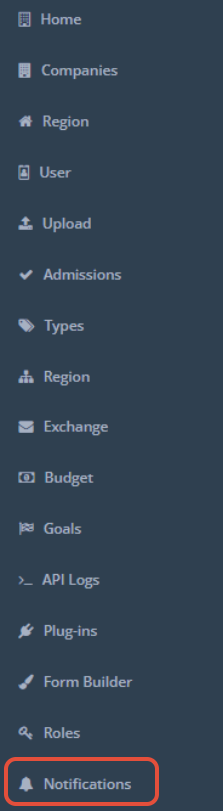
Step 1: In the Admin section go to Notifications
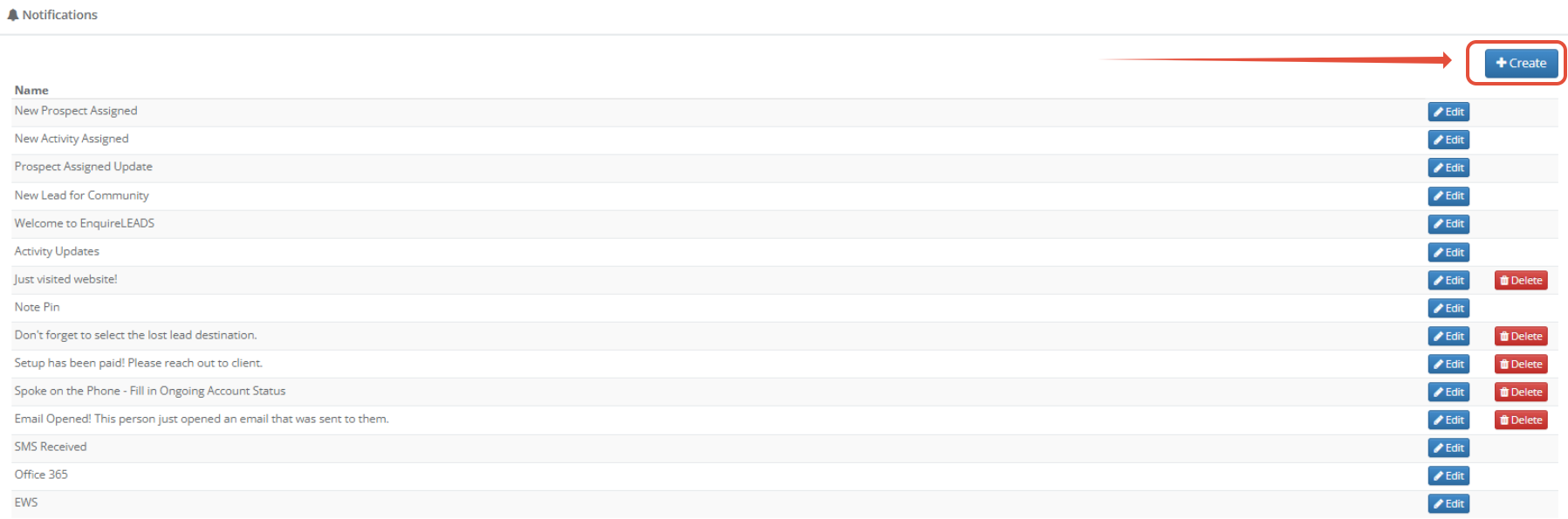
Step 2: Click on Create
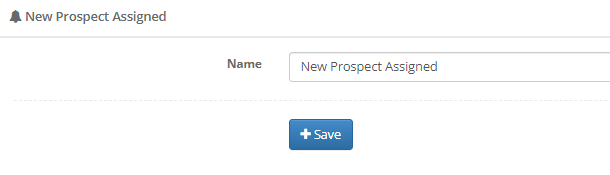
Step 3: Insert the alert and click Save
Note: Once this section is completed, please reach out to your CSM team member or our support team to create a workflow for the notification to populate.
Was this article helpful?
That’s Great!
Thank you for your feedback
Sorry! We couldn't be helpful
Thank you for your feedback
Feedback sent
We appreciate your effort and will try to fix the article