Changing Placeholder Text Color on a Form in Enquire MAP
Custom CSS needs to be added to the form in order to set the placeholder text color. Adding the following CSS will set the placeholder text to be the same color and the input text. Adjustments can be made to the color property to change the placeholder text color to anything else chosen after.
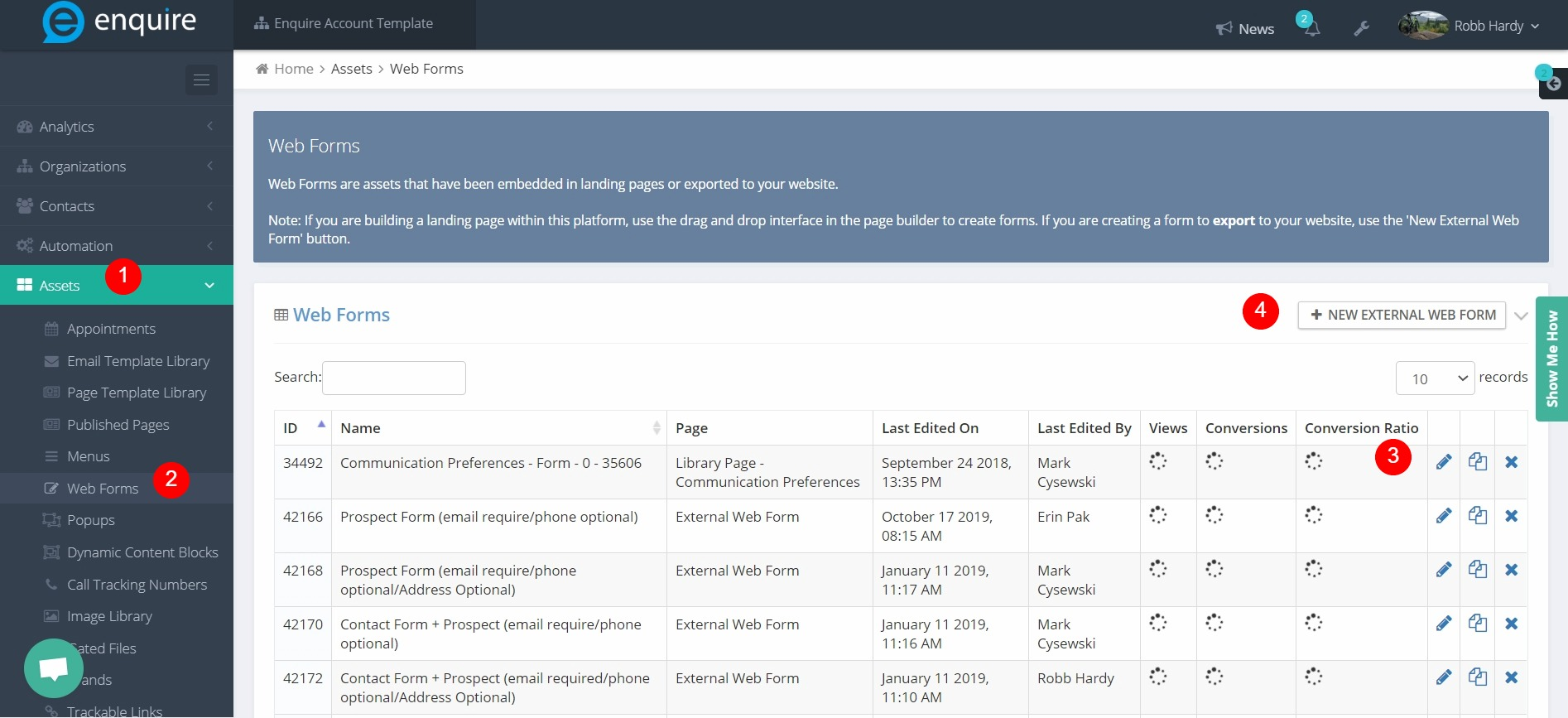
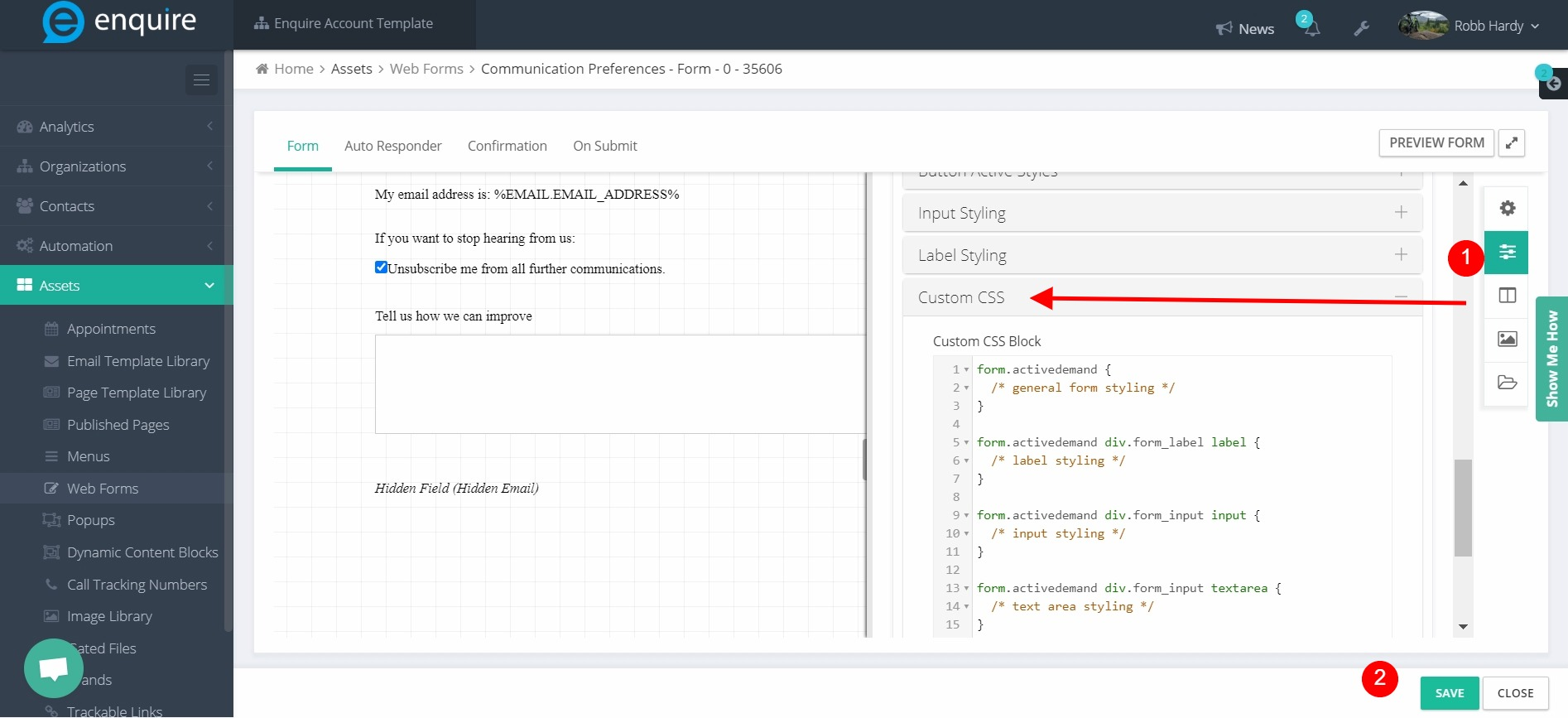
Example of CSS to add:
%FORM.HTML_ID% ::-webkit-input-placeholder { /* Chrome/Opera/Safari */
  color: inherit;
}
%FORM.HTML_ID% ::-moz-placeholder { /* Firefox 19+ */
  color: inherit;
}
%FORM.HTML_ID% :-ms-input-placeholder { /* IE 10+ */
  color: inherit;
}
%FORM.HTML_ID% :-moz-placeholder { /* Firefox 18- */
  color: inherit;
}
Please reach out to the dedicated Enquire Account Manager or Enquire MAP Support team for further assistance.
Was this article helpful?
That’s Great!
Thank you for your feedback
Sorry! We couldn't be helpful
Thank you for your feedback
Feedback sent
We appreciate your effort and will try to fix the article