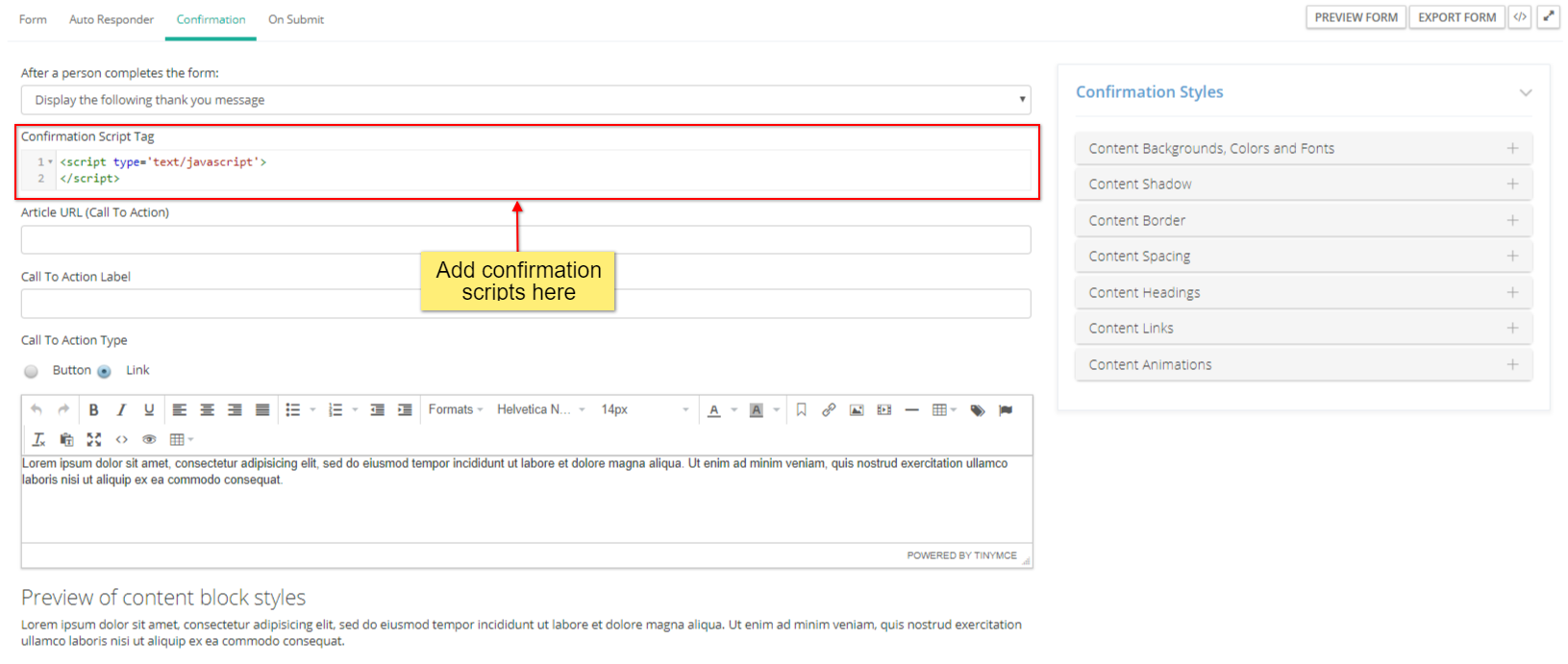
Each web form can have their own confirmation scripts. Follow the steps below to add a confirmation script to a web form.
- Edit the web form.
- Navigate to the Confirmation tab of the web form.
- Insert the scripts to the Confirmation Script Tag box.
Was this article helpful?
That’s Great!
Thank you for your feedback
Sorry! We couldn't be helpful
Thank you for your feedback
Feedback sent
We appreciate your effort and will try to fix the article