If you encounter the following error while integrating Google with Enquire MAP, please send this article to your Google Workspace Administrator and have them grant access to "ActiveDEMAND":
Fixing this error in Google Workspace
1. Navigate to Configured Apps using this link: https://admin.google.com/ac/owl/list?tab=configuredApps
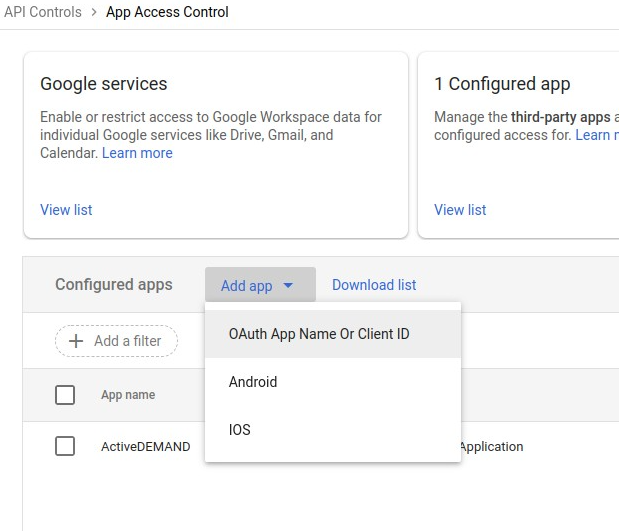
2. Search for "ActiveDEMAND" on the page. If it is present, skip to step 5. If it’s not present in search results, click "Add new app > OAuth App Name or Client ID."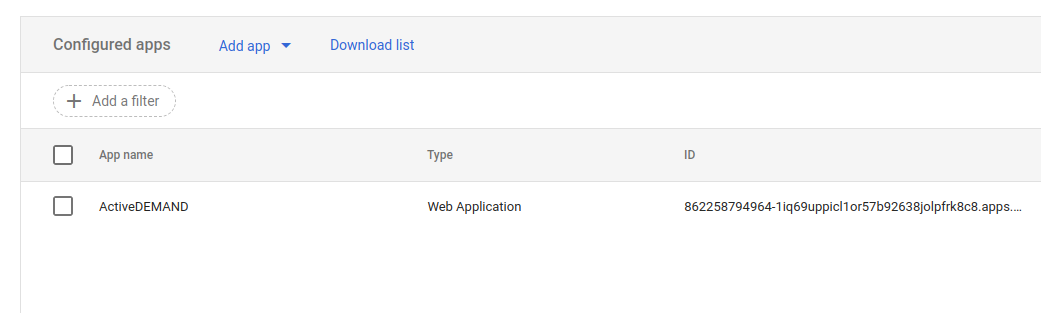
3. Search for and select "ActiveDEMAND".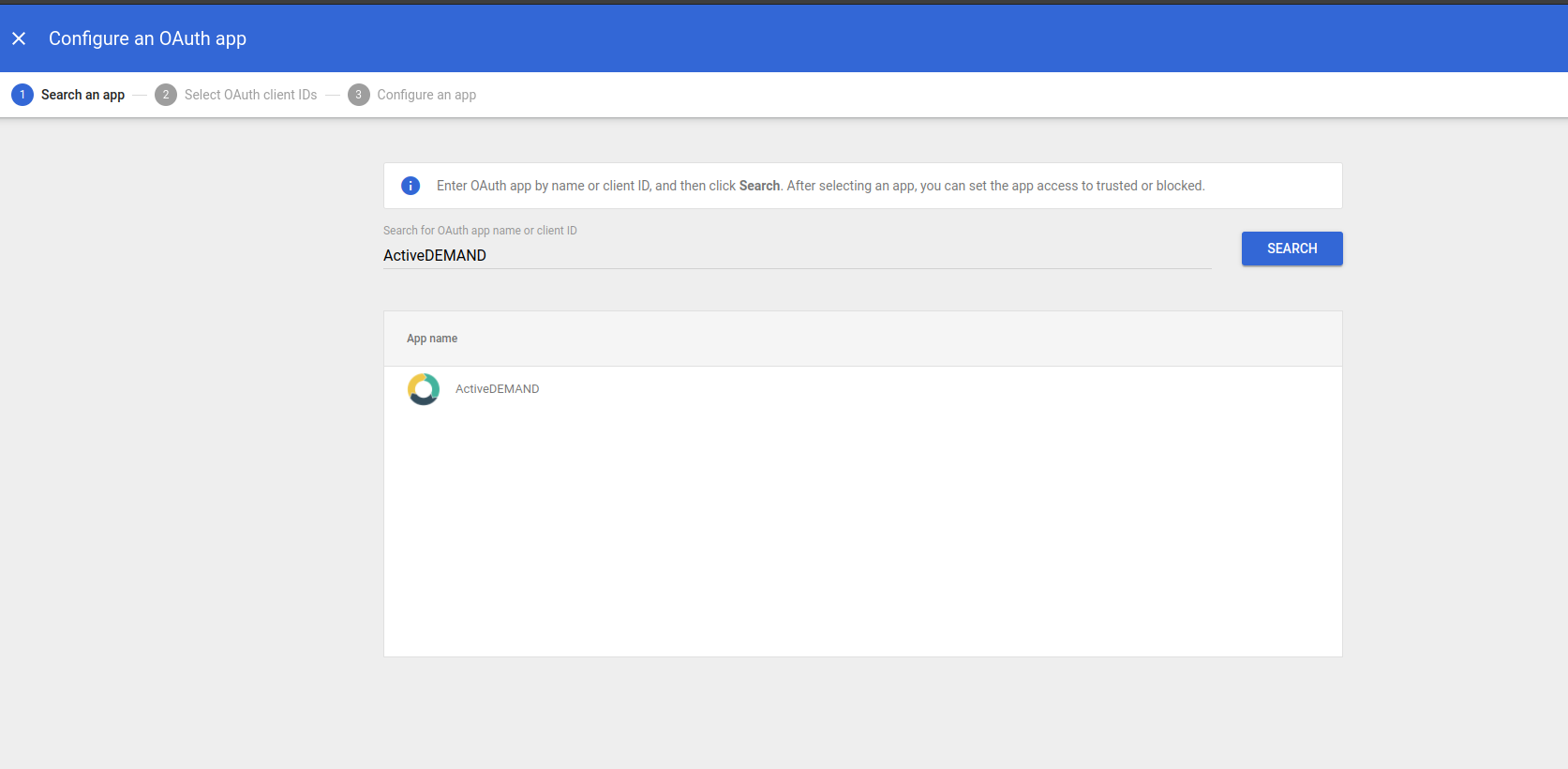
4. Select all OAuth Client IDs and click "Select."

5. Set app access to “Trusted: Can access all Google services”. Select configure/save.
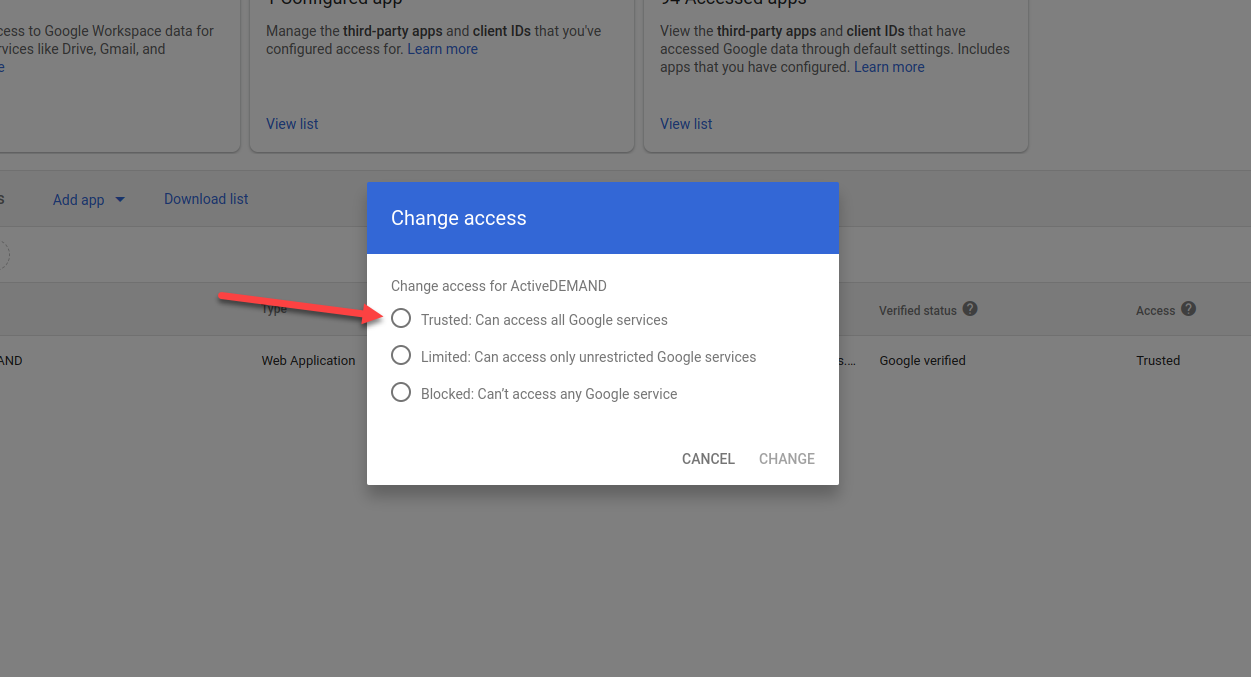
ActiveDEMAND is now listed as a trusted application on your Google Workspace account. You can now proceed with the integration to Enquire MAP:
